HomeDeck guides

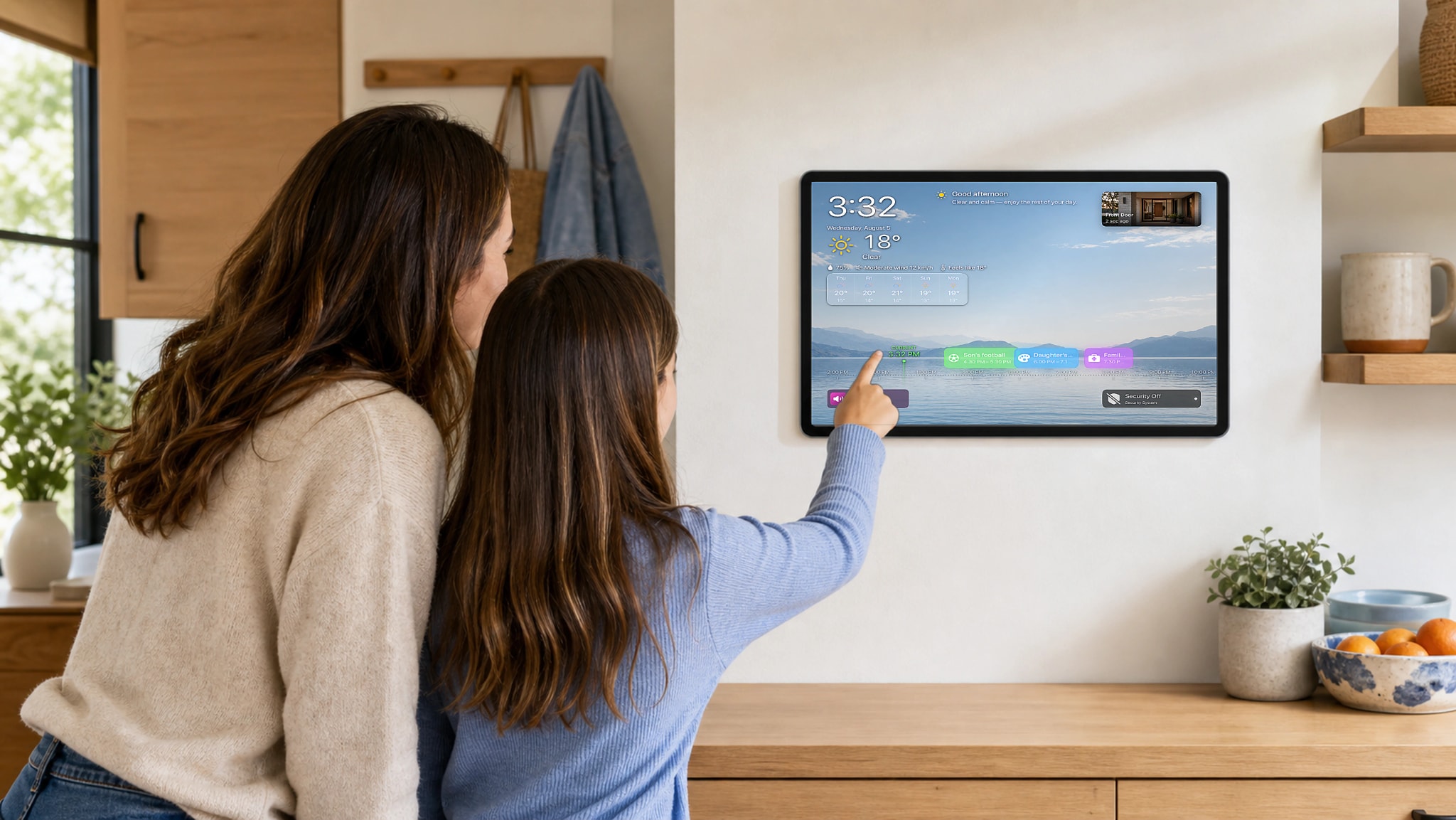
Build a home dashboard your family will actually use.

Start with the household routine, then choose the screen, placement, permissions, and information that make the dashboard useful every day.

Troubleshooting guide · 7 min read

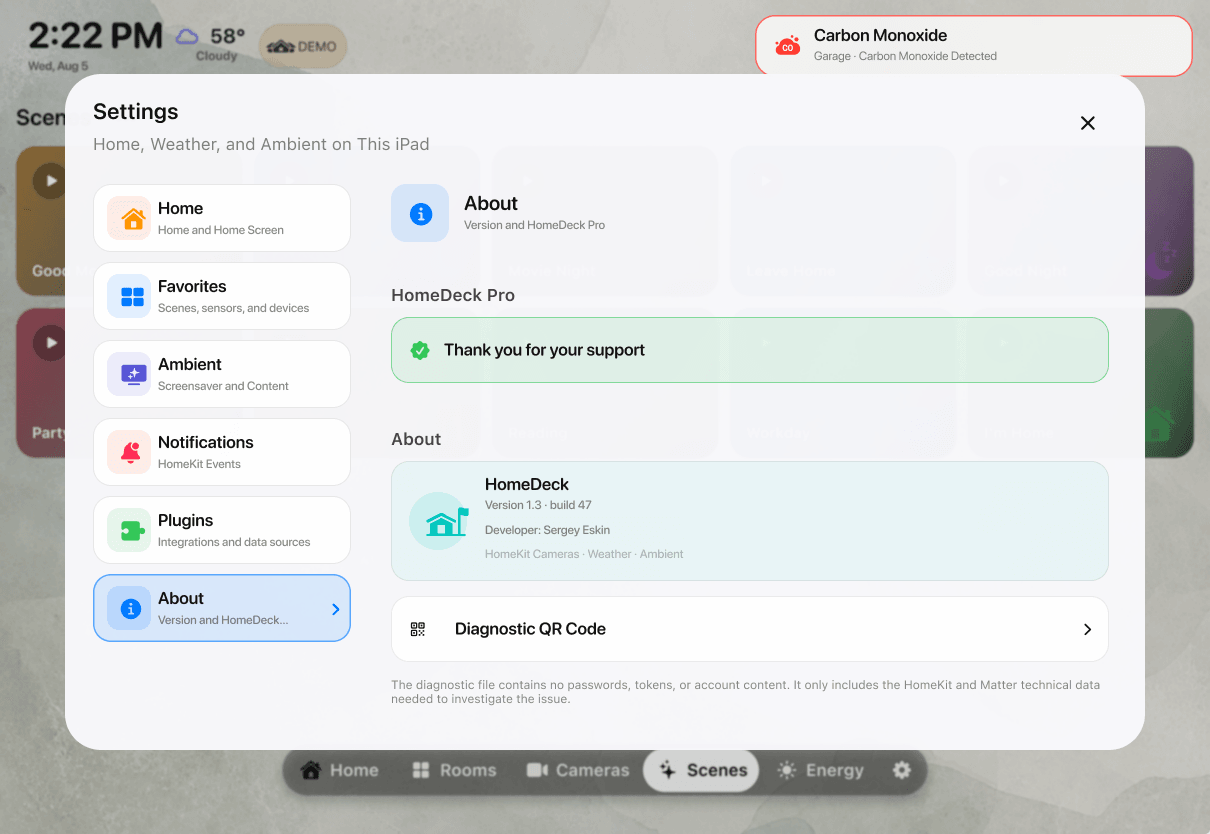
How to send device diagnostics from HomeDeck

If an accessory is missing, has the wrong controls, or reports an unexpected state, a diagnostic file gives support the technical HomeKit and Matter details needed to investigate it. HomeDeck transfers the file locally by QR code; you then attach the downloaded file to an email.

Read the guide

Product guide · 8 min read

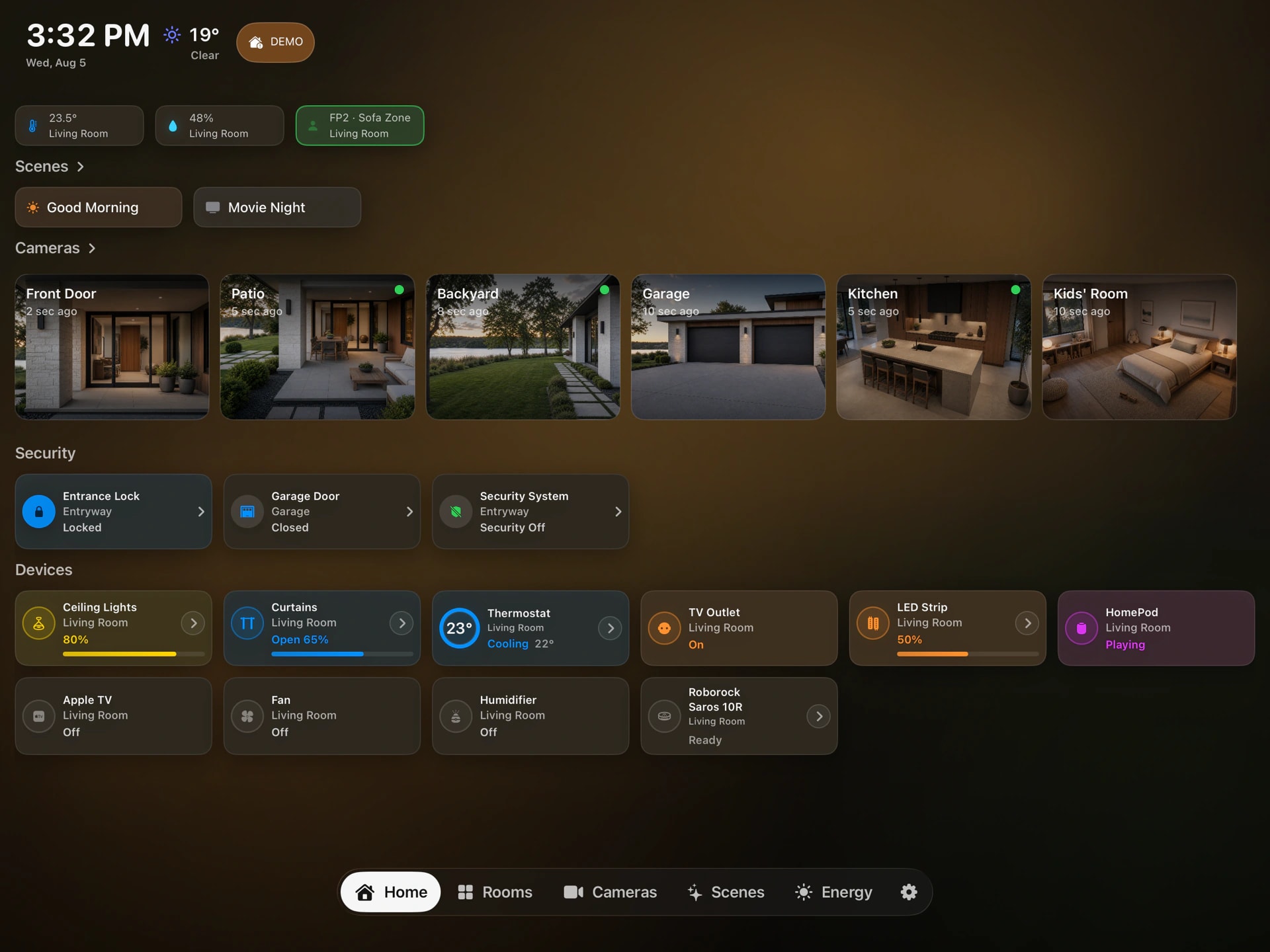
How HomeDeck works with Apple Home

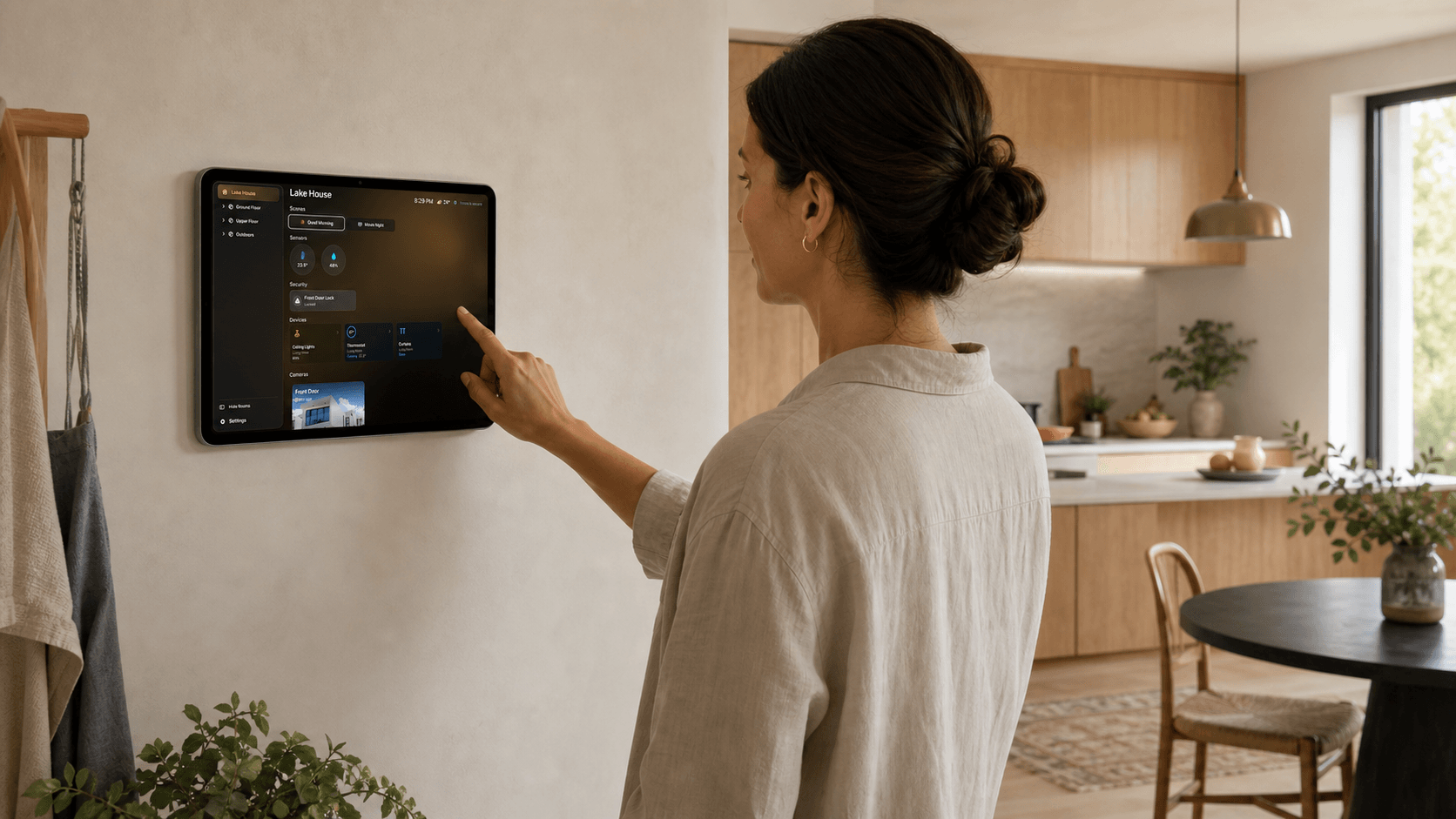
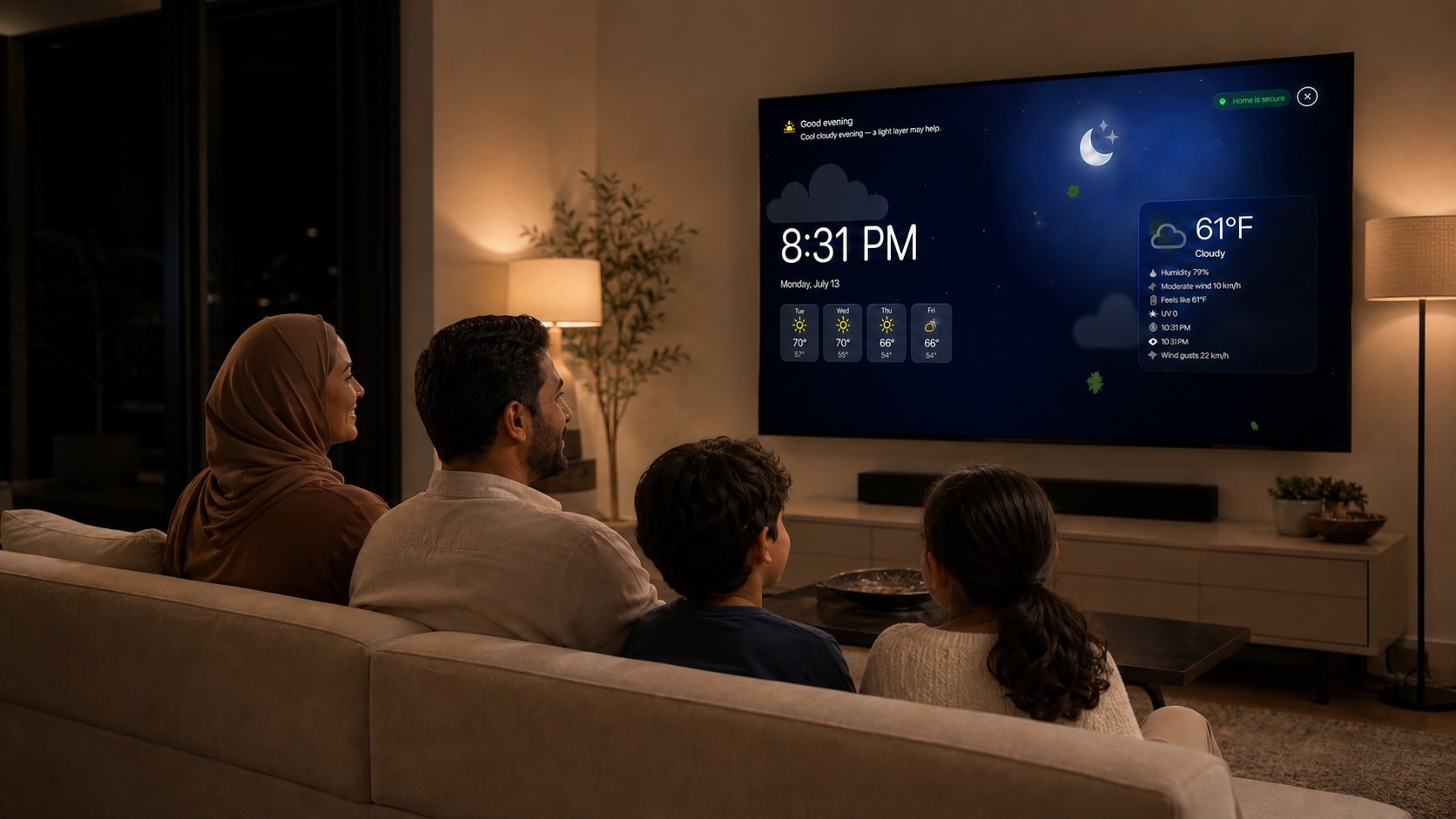
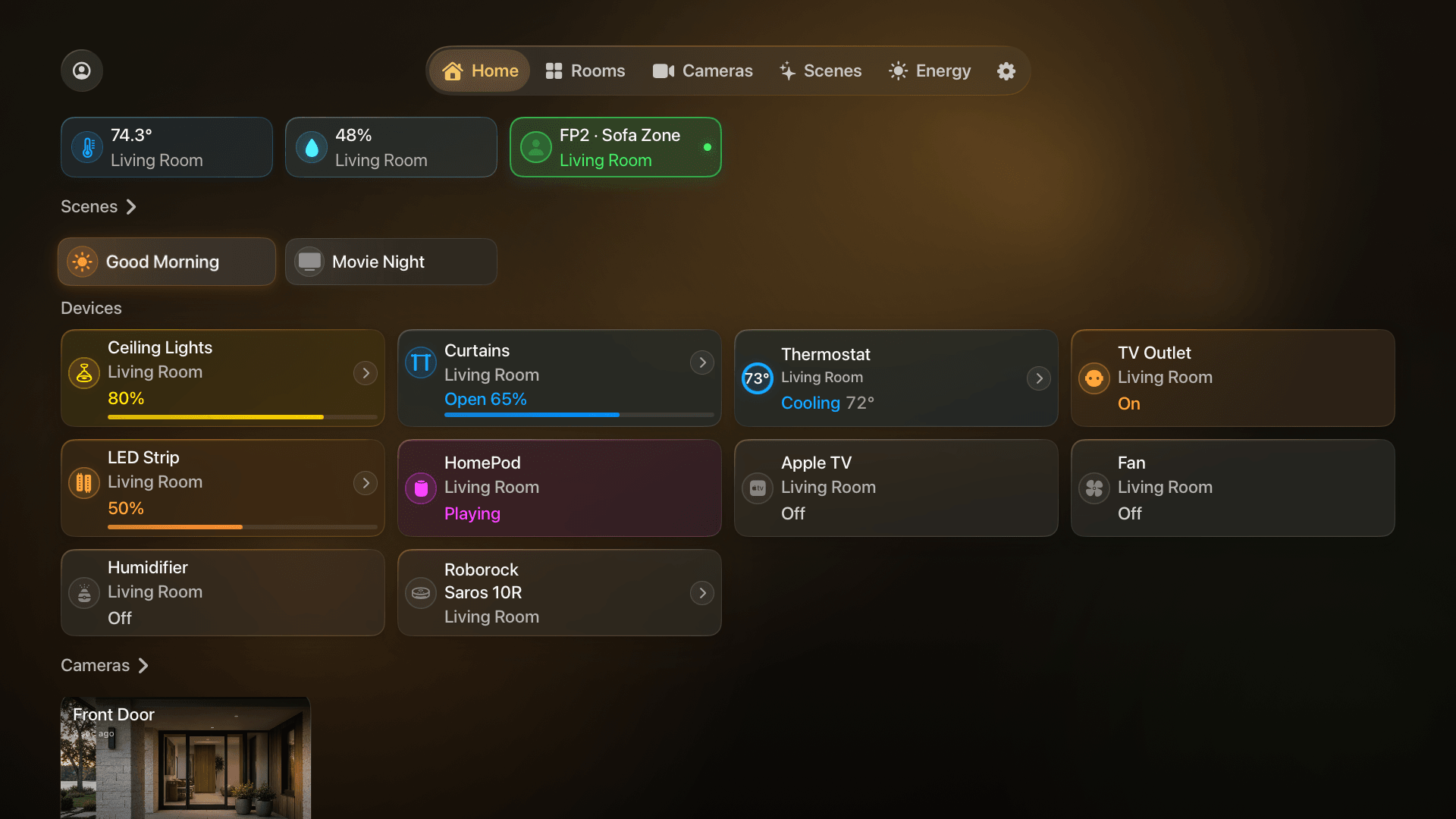
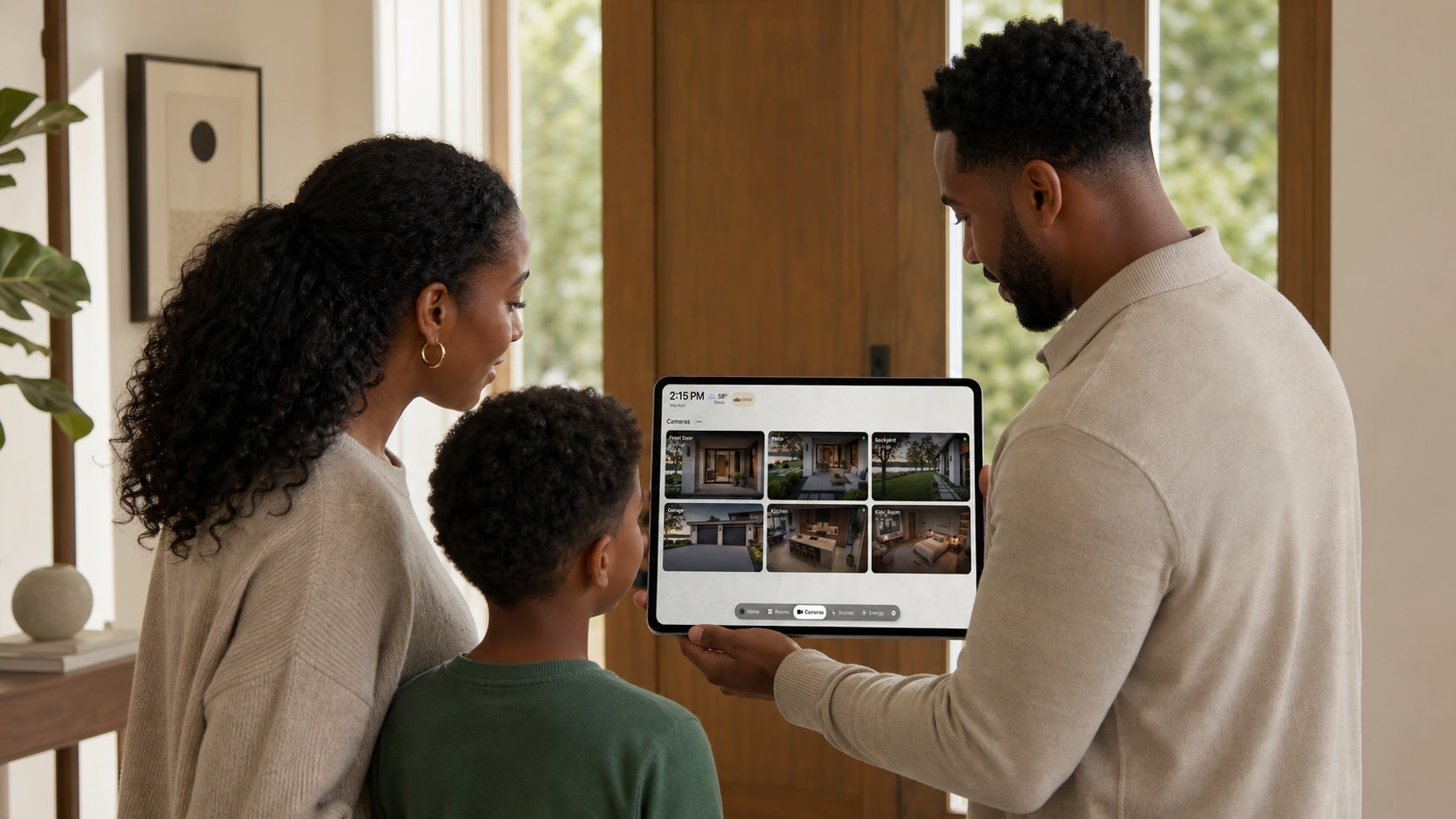
HomeDeck is a dashboard for the Apple Home you already use. It presents supported rooms, scenes, accessories, sensors and cameras on iPad and Apple TV without becoming a second smart-home system or replacing your home hub.

Read the guide