Controls by device type
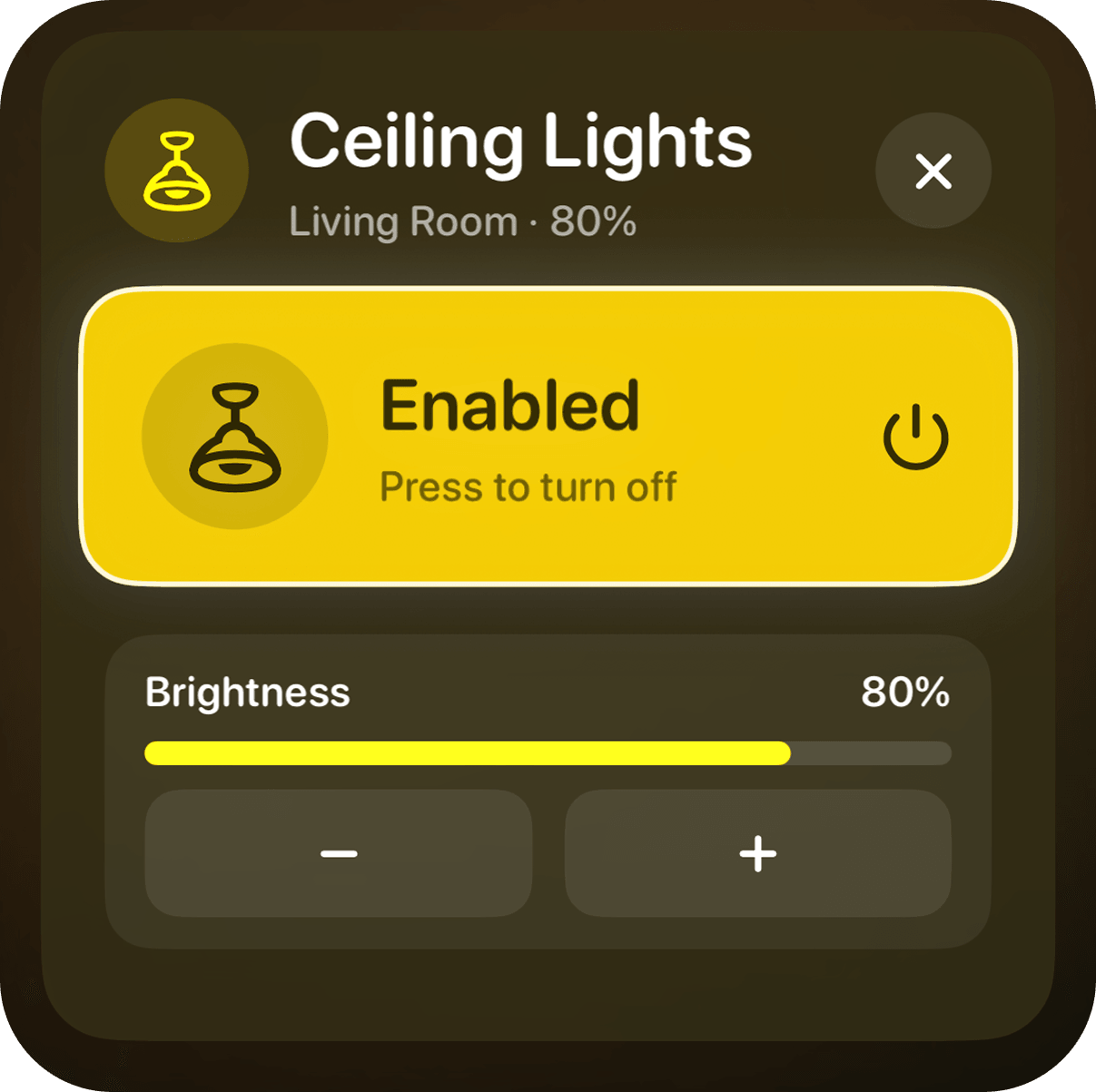
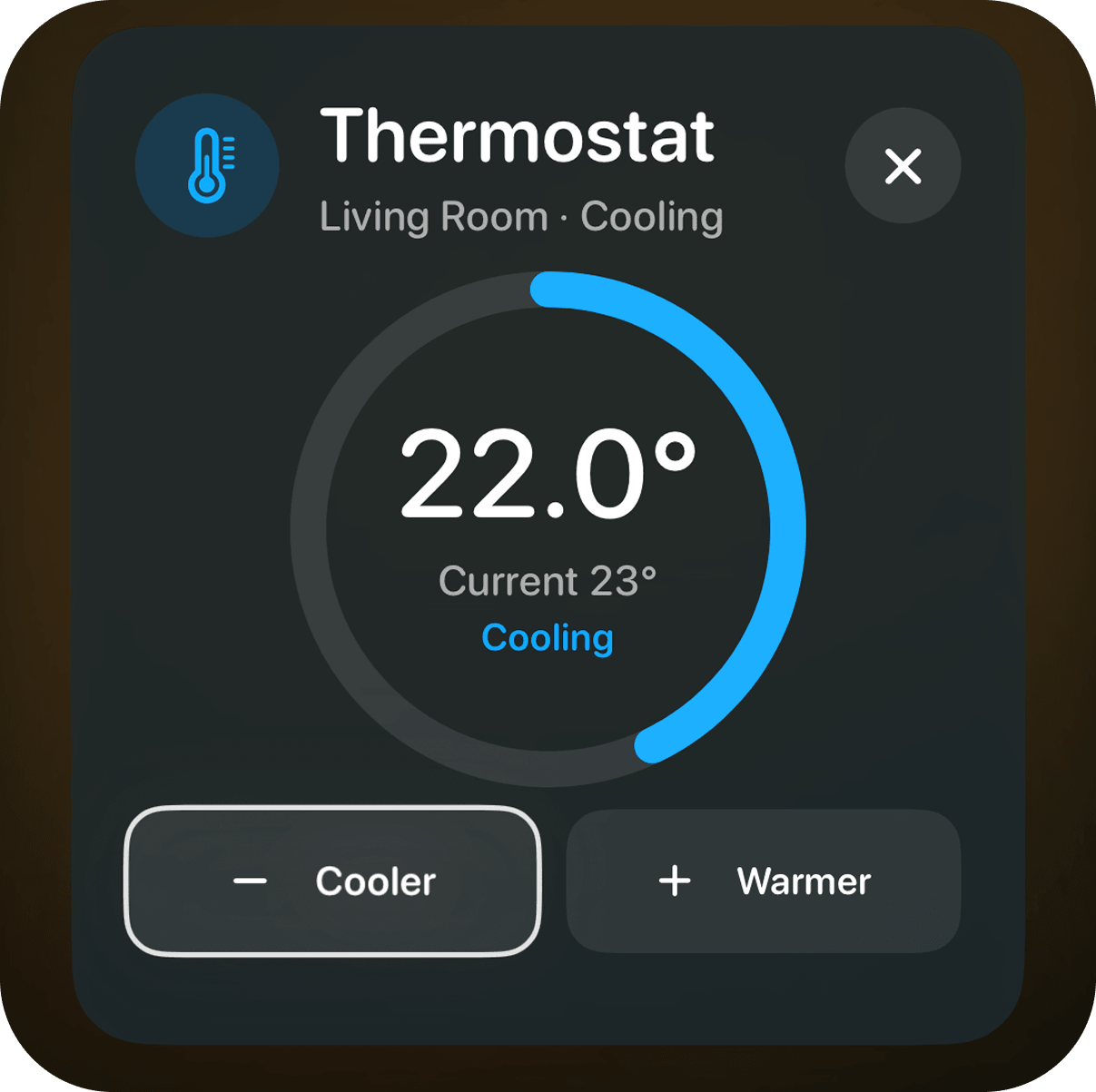
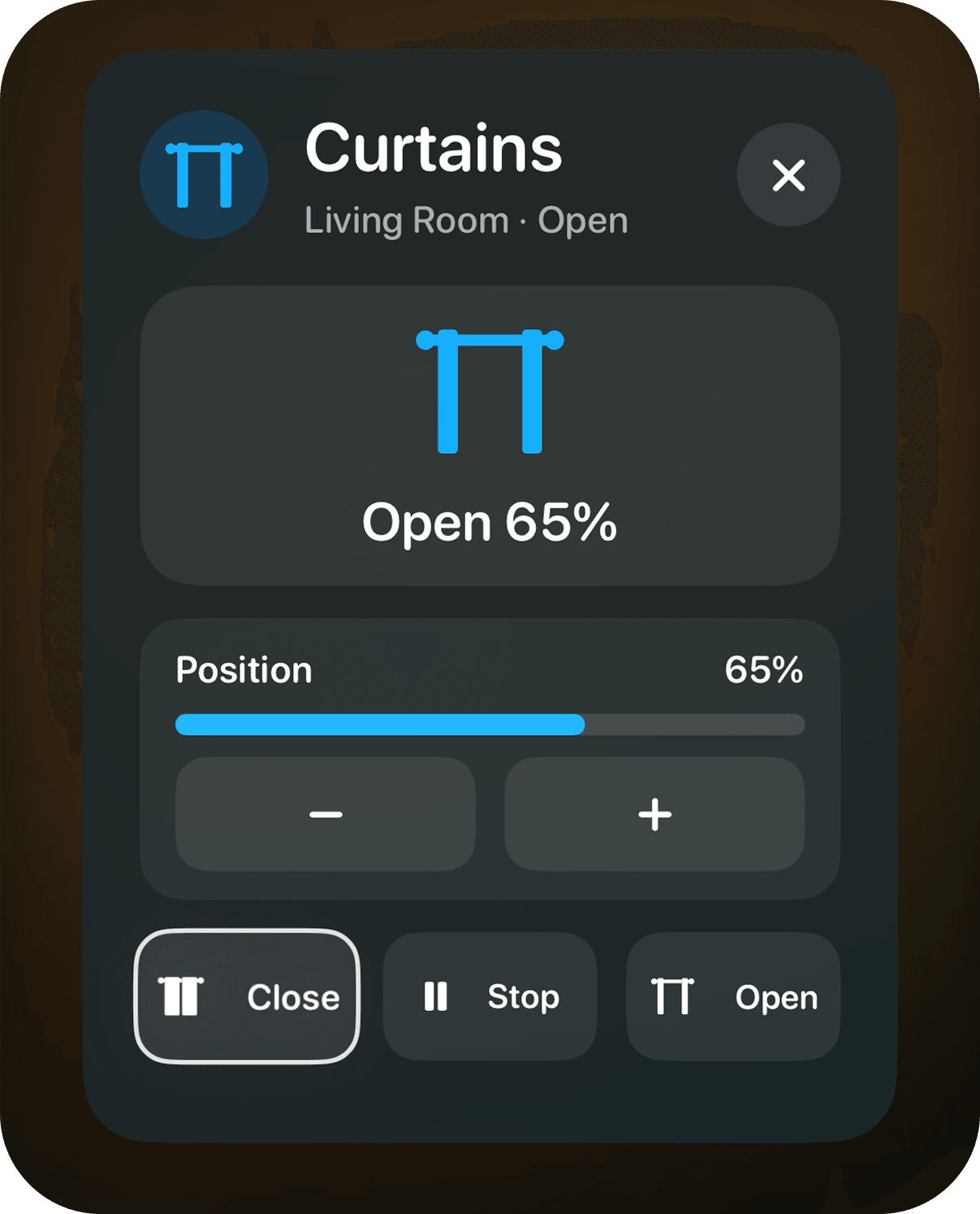
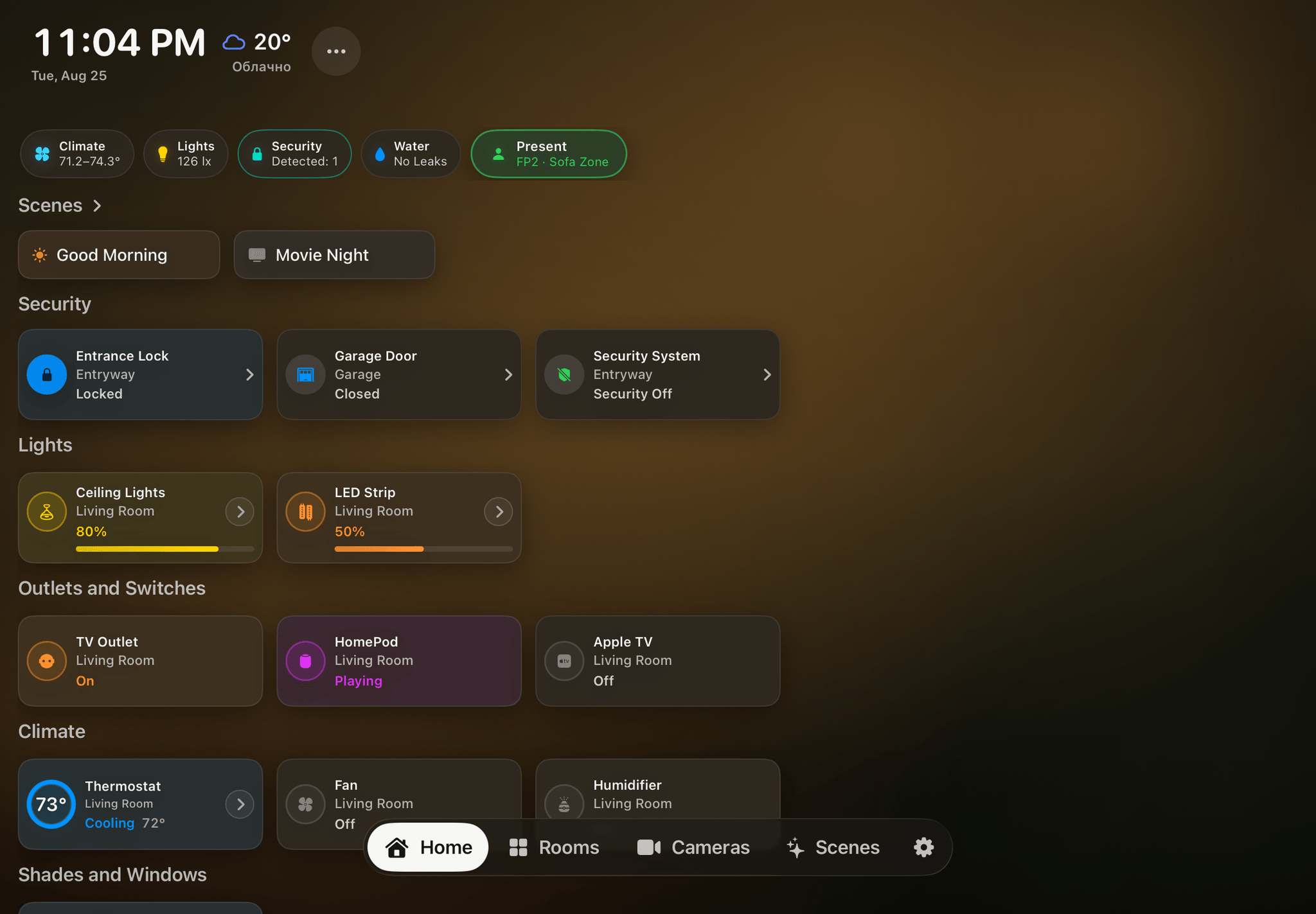
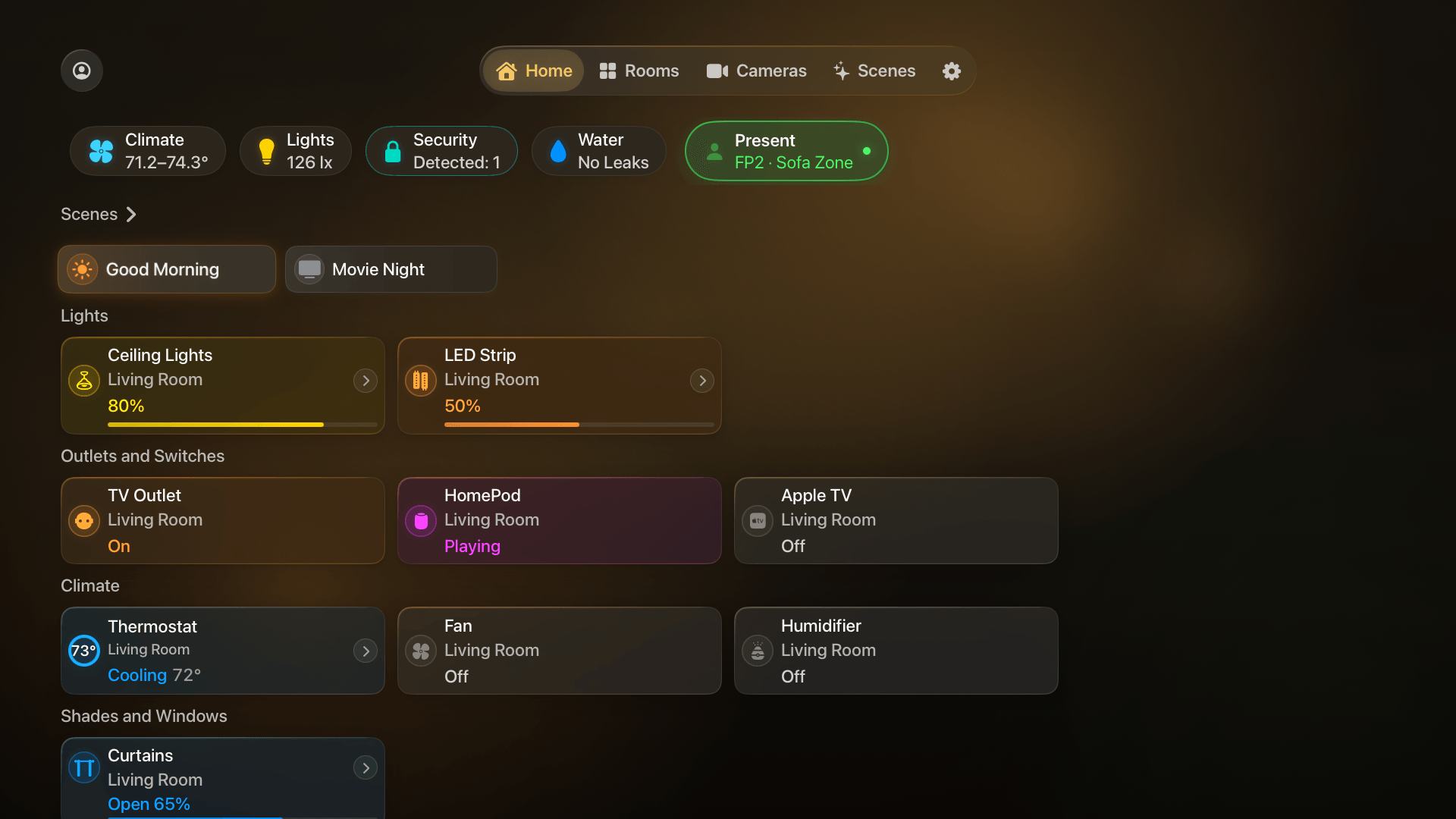
Dedicated cards for lights, curtains and blinds, climate devices, televisions, and robot vacuums, plus warm and cool white presets for compatible lights.
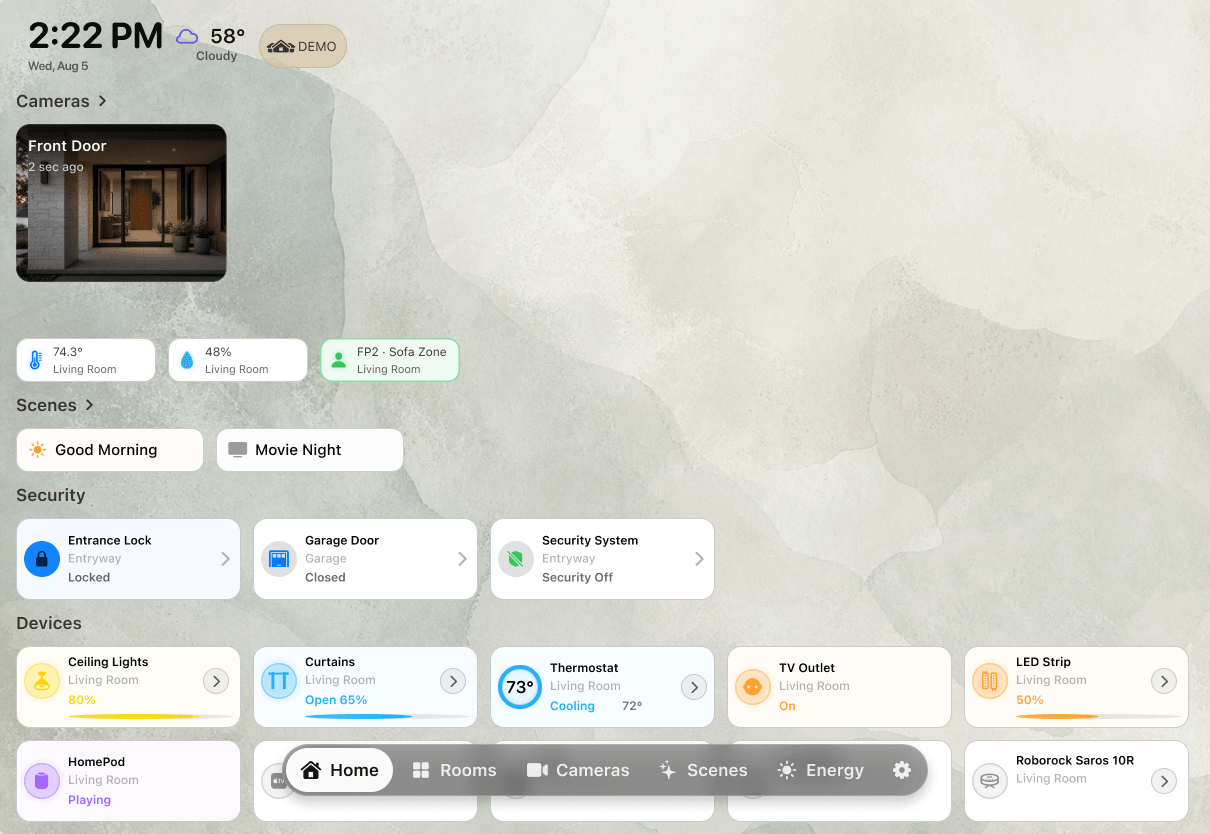
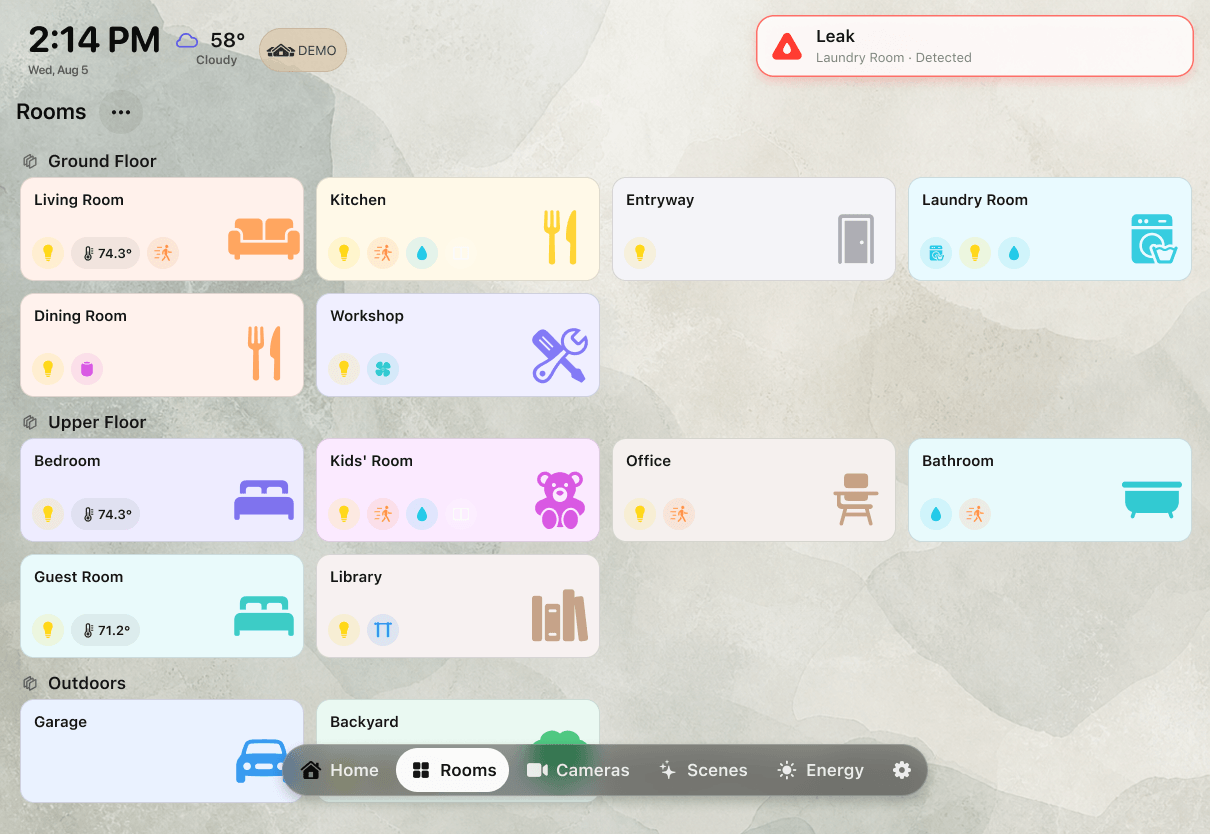
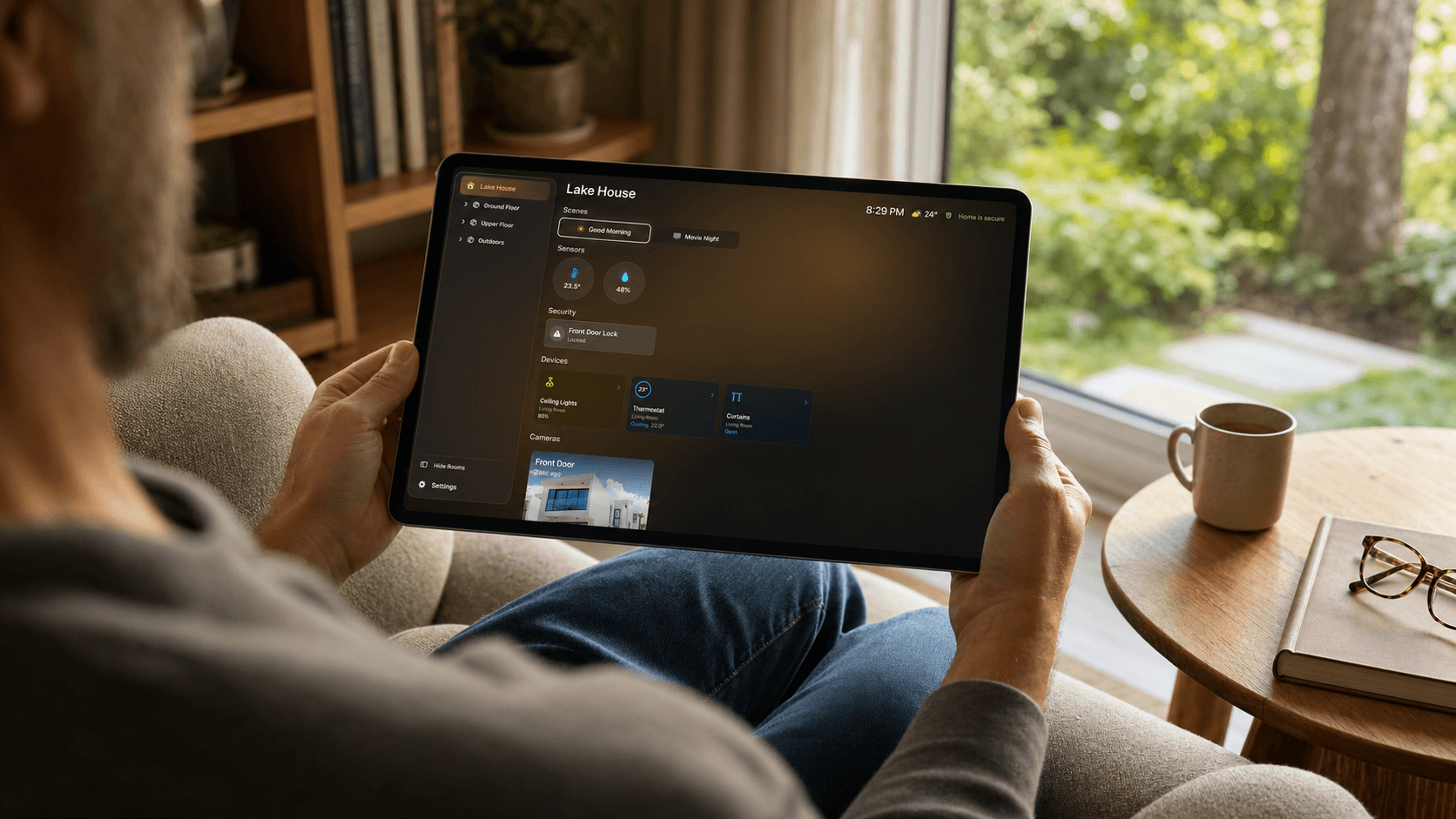
Favorite rooms, scenes, devices, sensors, cameras, and security status stay organized in one calm view.
Ways to use HomeDeckDedicated cards for lights, curtains and blinds, climate devices, televisions, and robot vacuums, plus warm and cool white presets for compatible lights.
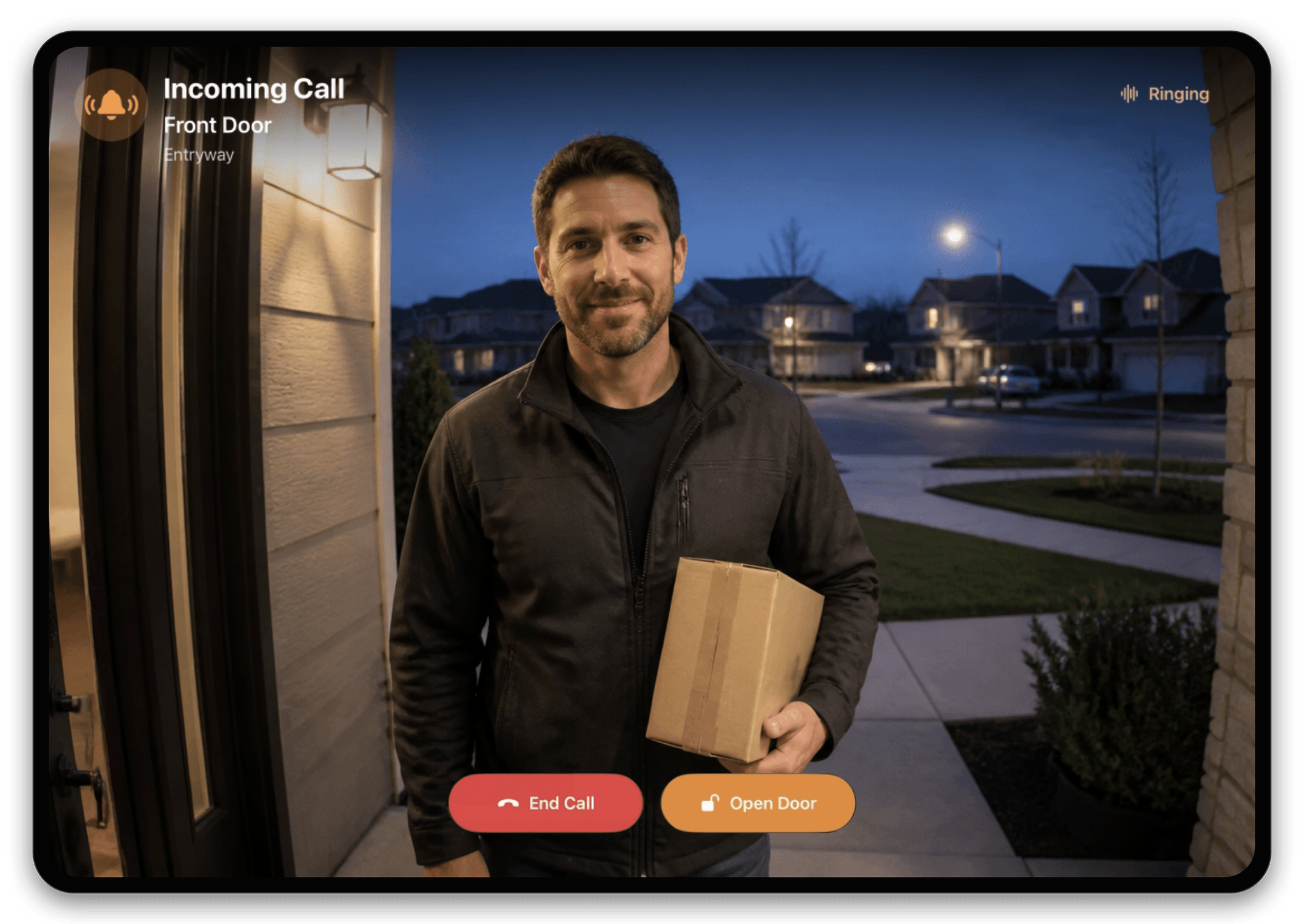
Incoming compatible HomeKit doorbell calls take over the iPad automatically, so they are hard to miss. See live video or the latest snapshot, answer or end the call, talk to the visitor, and use supported door controls without leaving HomeDeck.
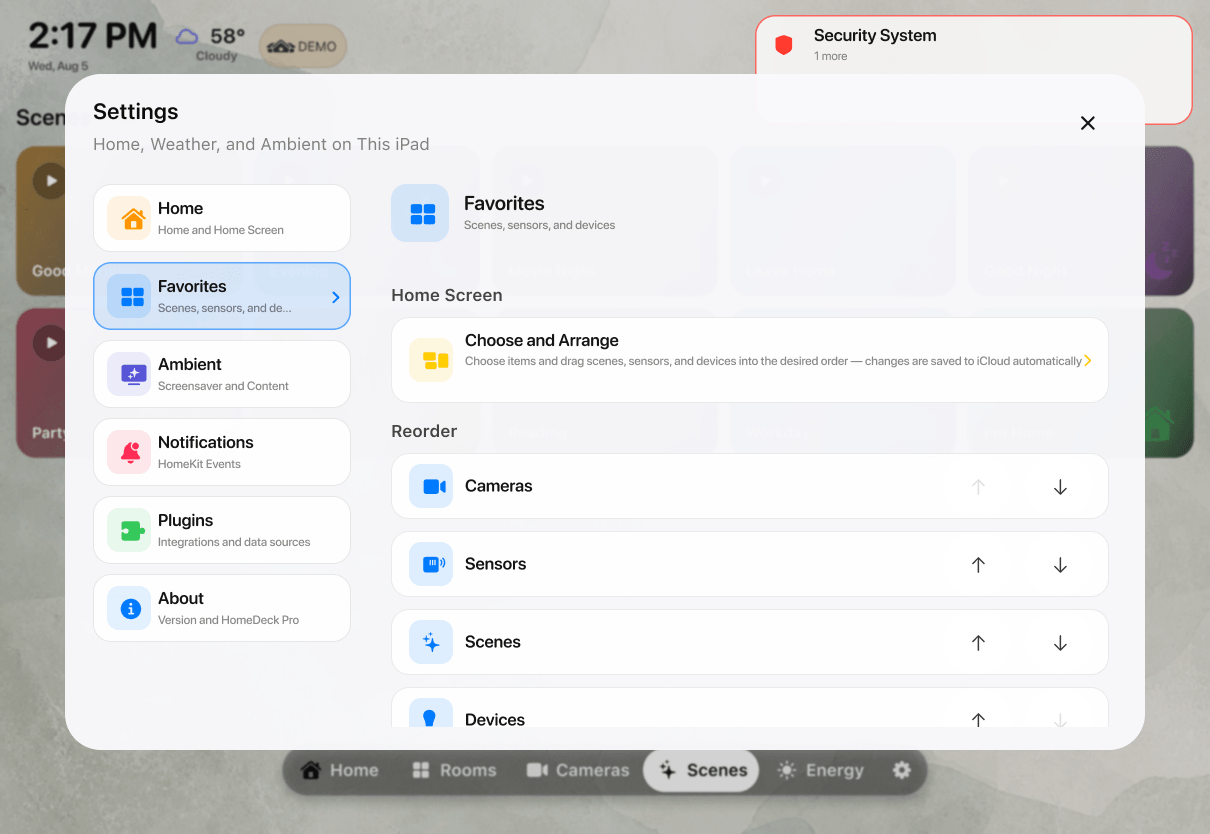
Reorder rooms, dashboard sections, favorites, devices, and cameras, then hide anything you do not need.
Choose Automatic, Classic, White, or Black. Automatic follows the time of day.
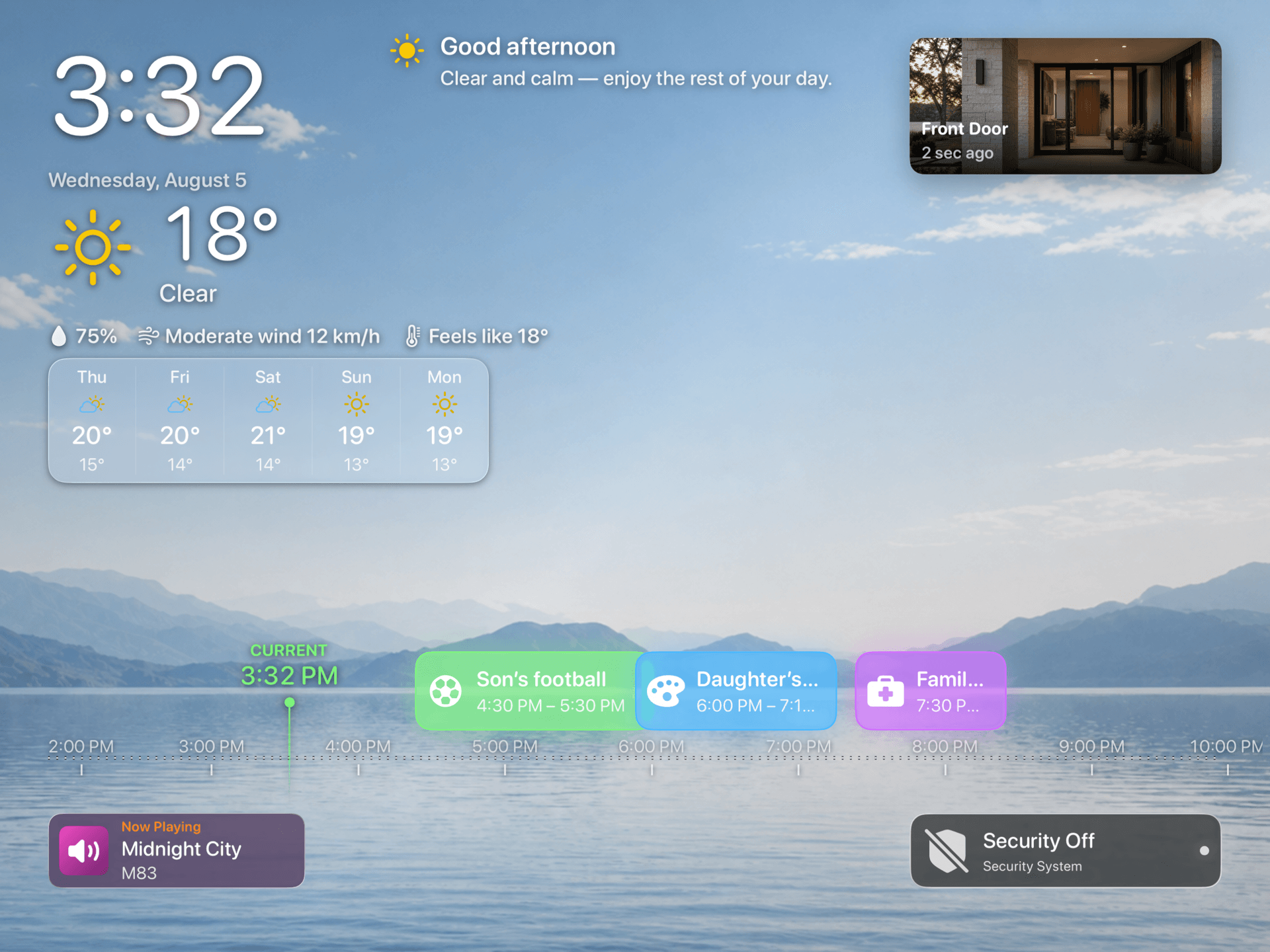
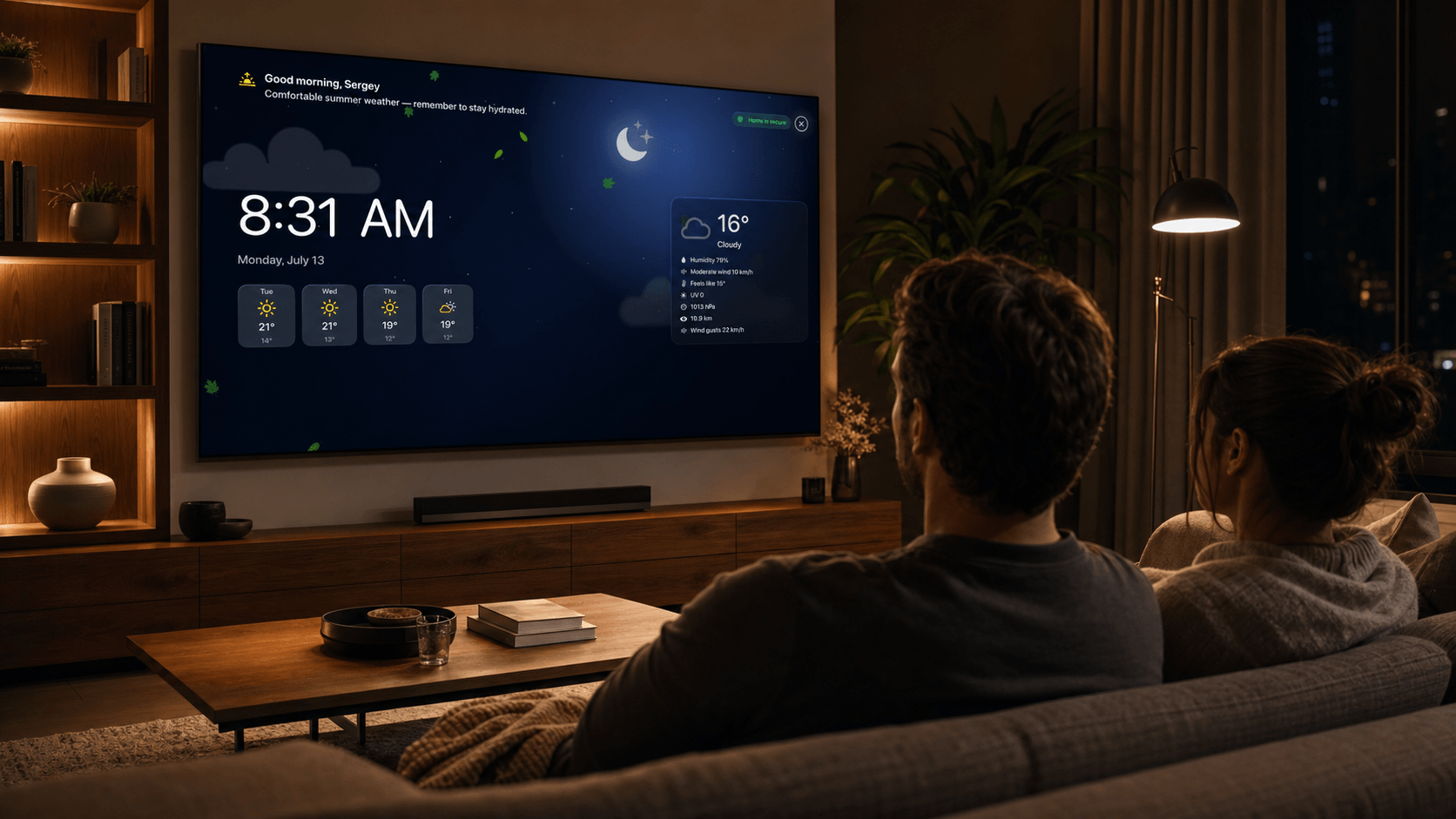
See current conditions, today’s hourly forecast or the next five days, and available alerts powered by Apple WeatherKit.
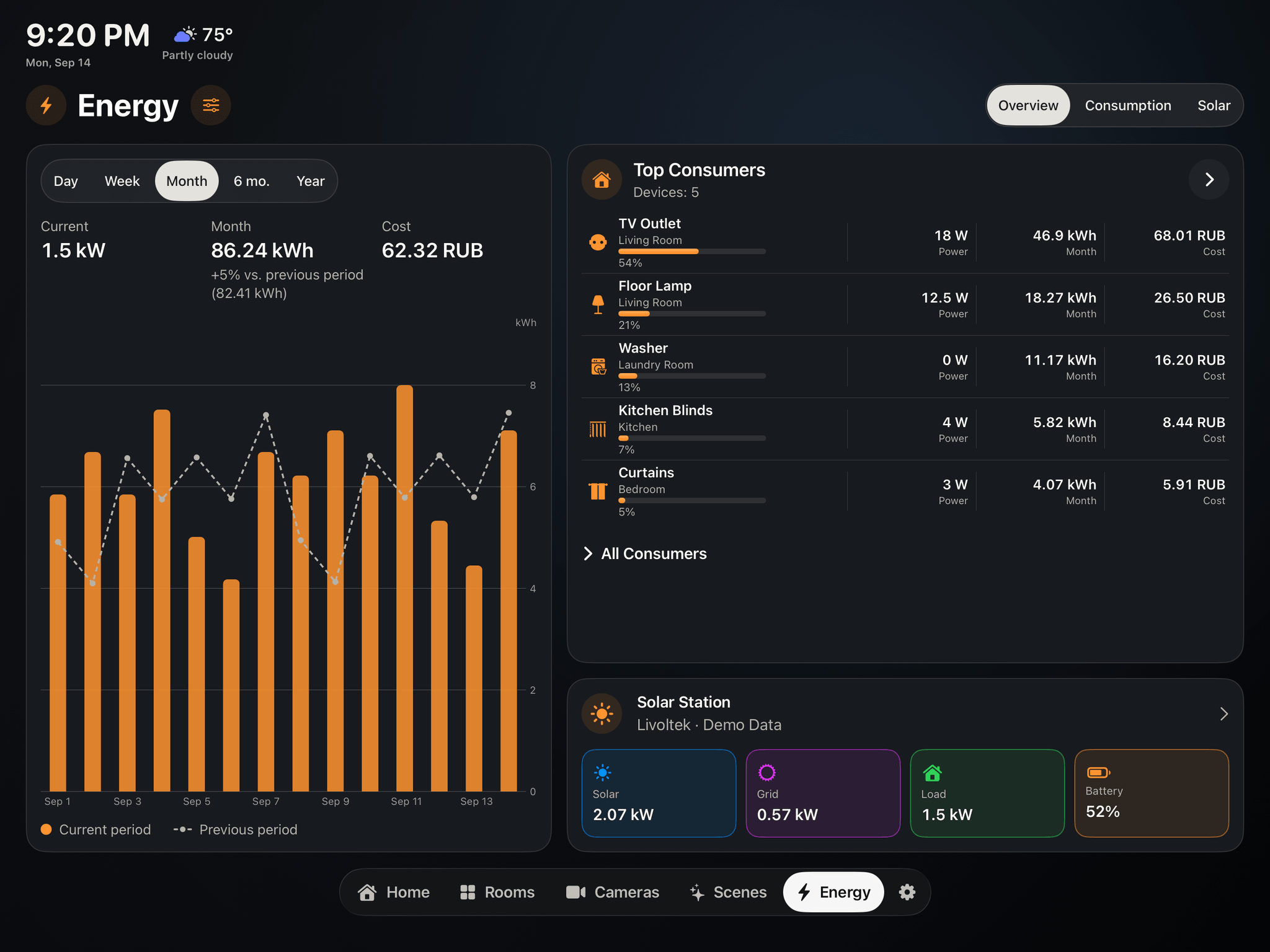
Consumption from compatible outlets and devices, solar generation, grid exchange, and battery readings in one place. Set your price per kWh, compare periods, review home efficiency, and find your biggest energy consumers.
With Livoltek and Solar Inverters plugins. View readings on iPad and Apple TV.
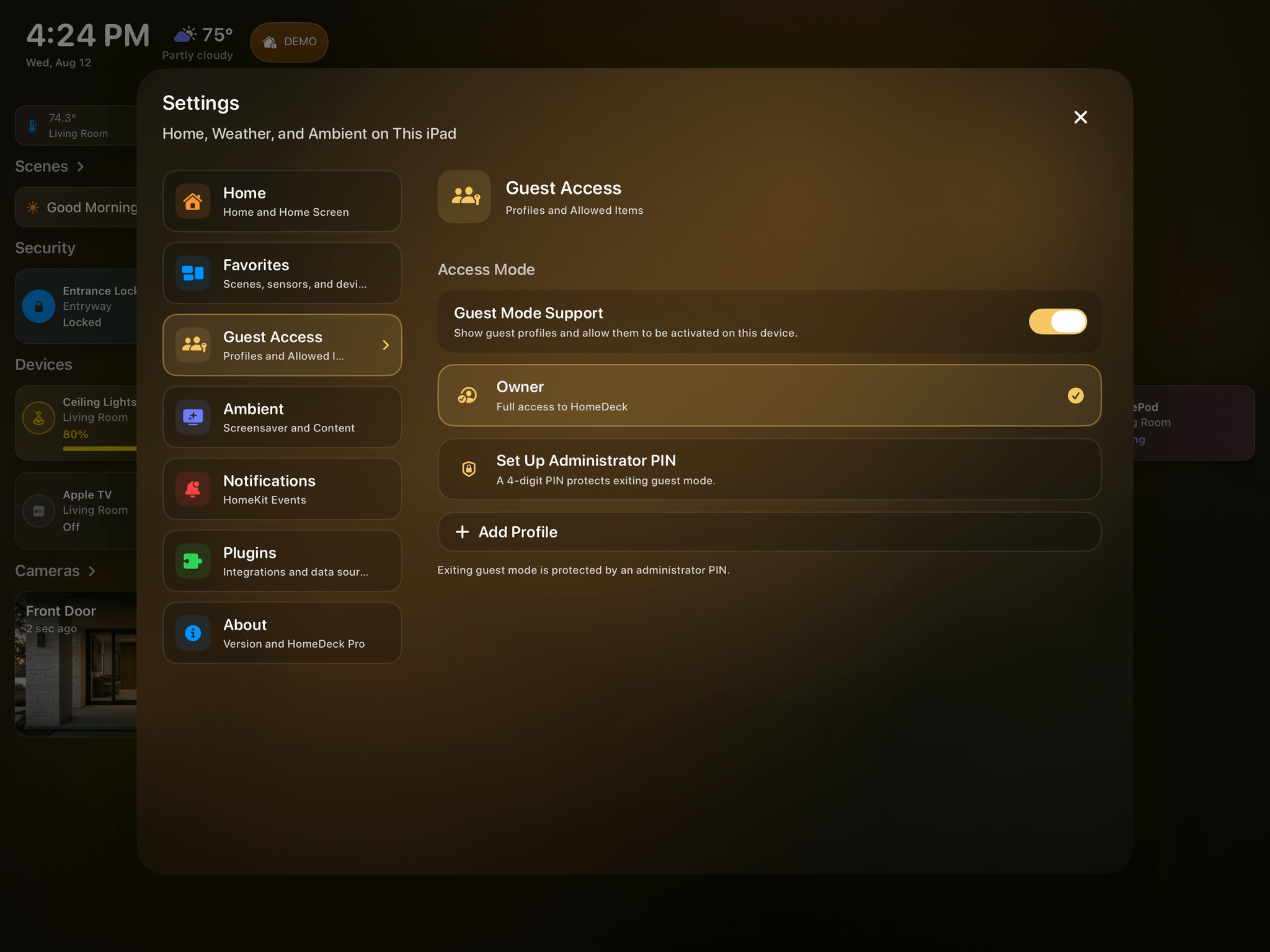
Create limited profiles for guests or family. Owner settings stay protected by a PIN.
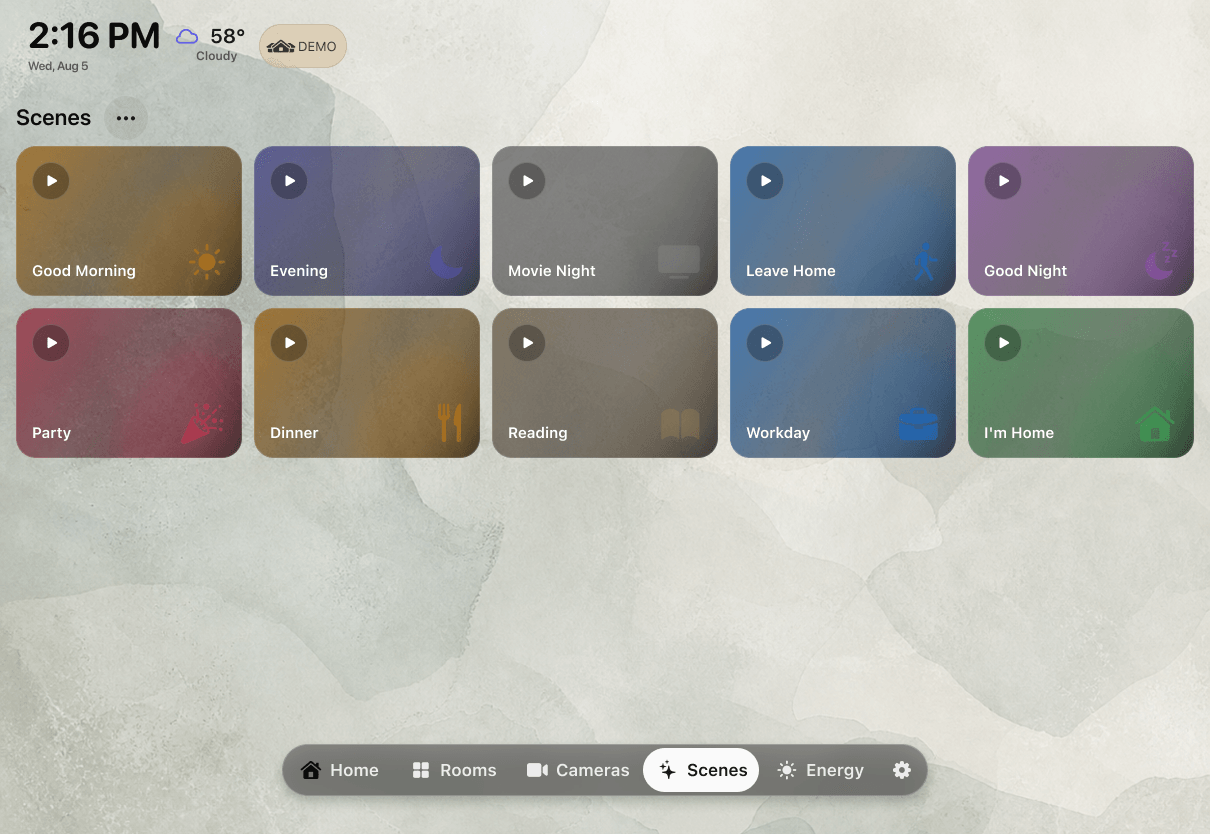
Open rooms, run scenes, and control supported devices with Siri.
Customize dashboards and use touch on iPad; open rooms, scenes, and cameras with the remote on Apple TV.
Keep the rooms, scenes, and favorites you use most close at hand instead of searching through the whole home.
Keep playback and now-playing information visible on the dashboard and in Ambient mode.
Configure supported preferences and guest profiles on iPad, then carry them to Apple TV through your personal iCloud account.
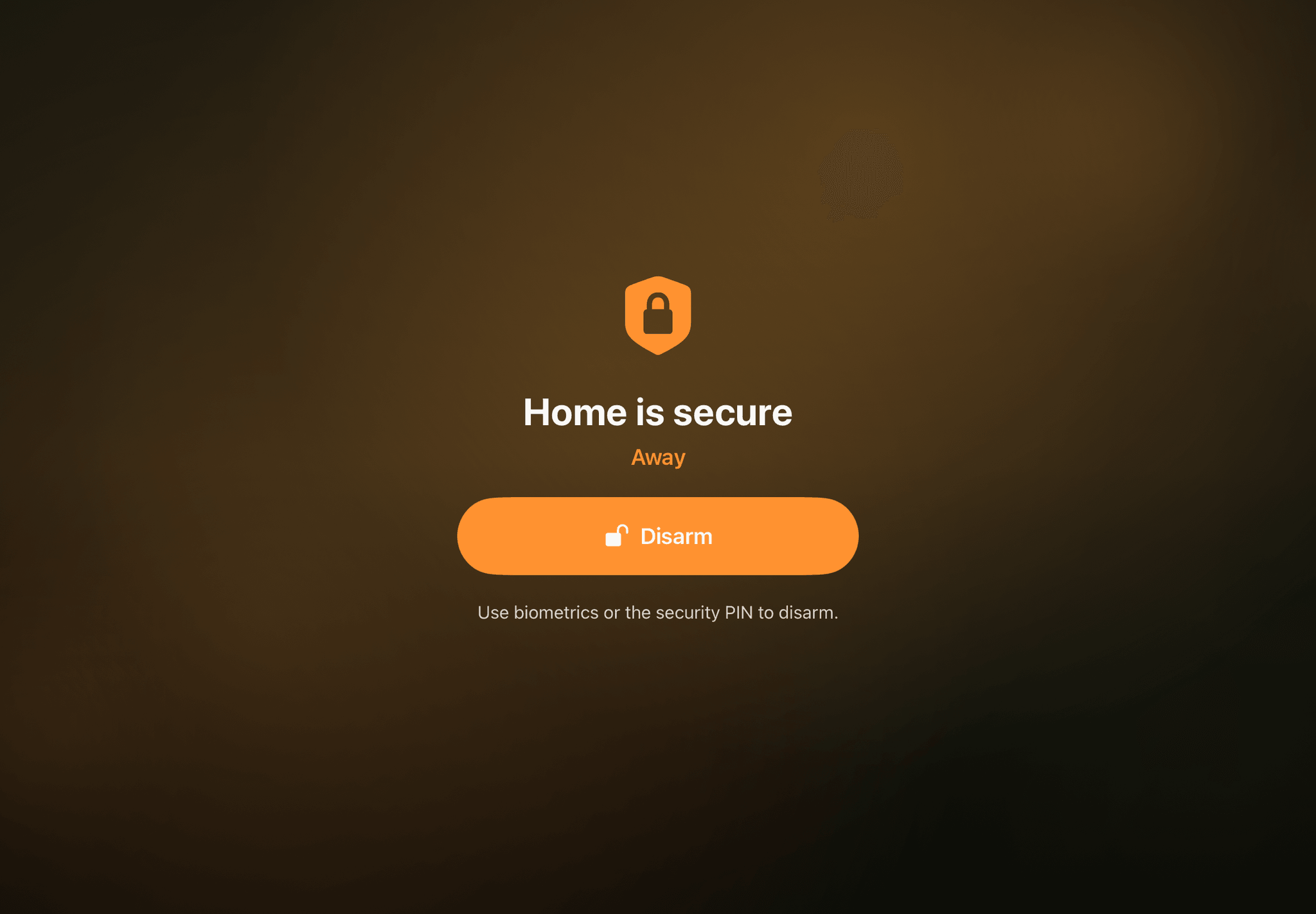
Use protected Home, Away, and Night modes, an exit delay, and a persistent full-screen armed state on a wall-mounted iPad.
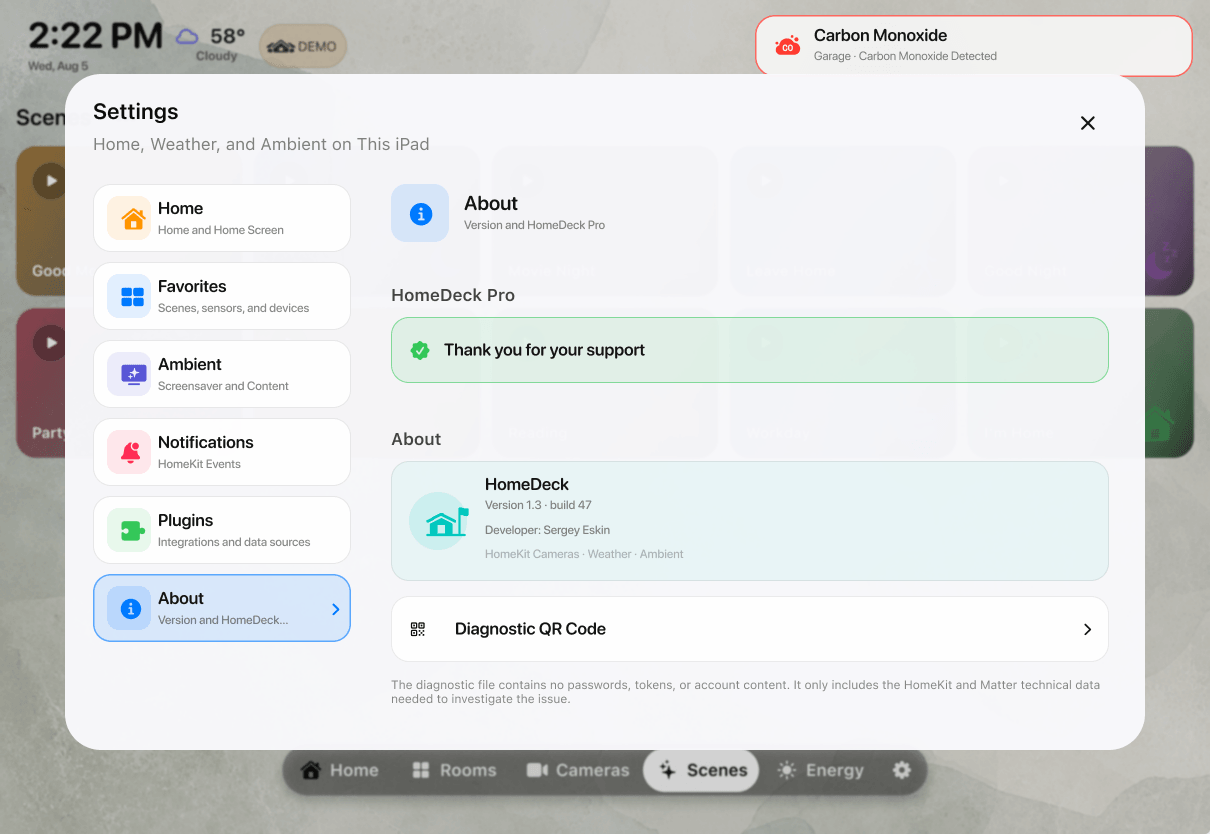
Prepare anonymized technical diagnostics on iPad and share them with support directly or by QR code.
New layouts keep time, weather, hourly or five-day forecasts, selected sensors, cameras, events, and Apple Music visible between interactions.
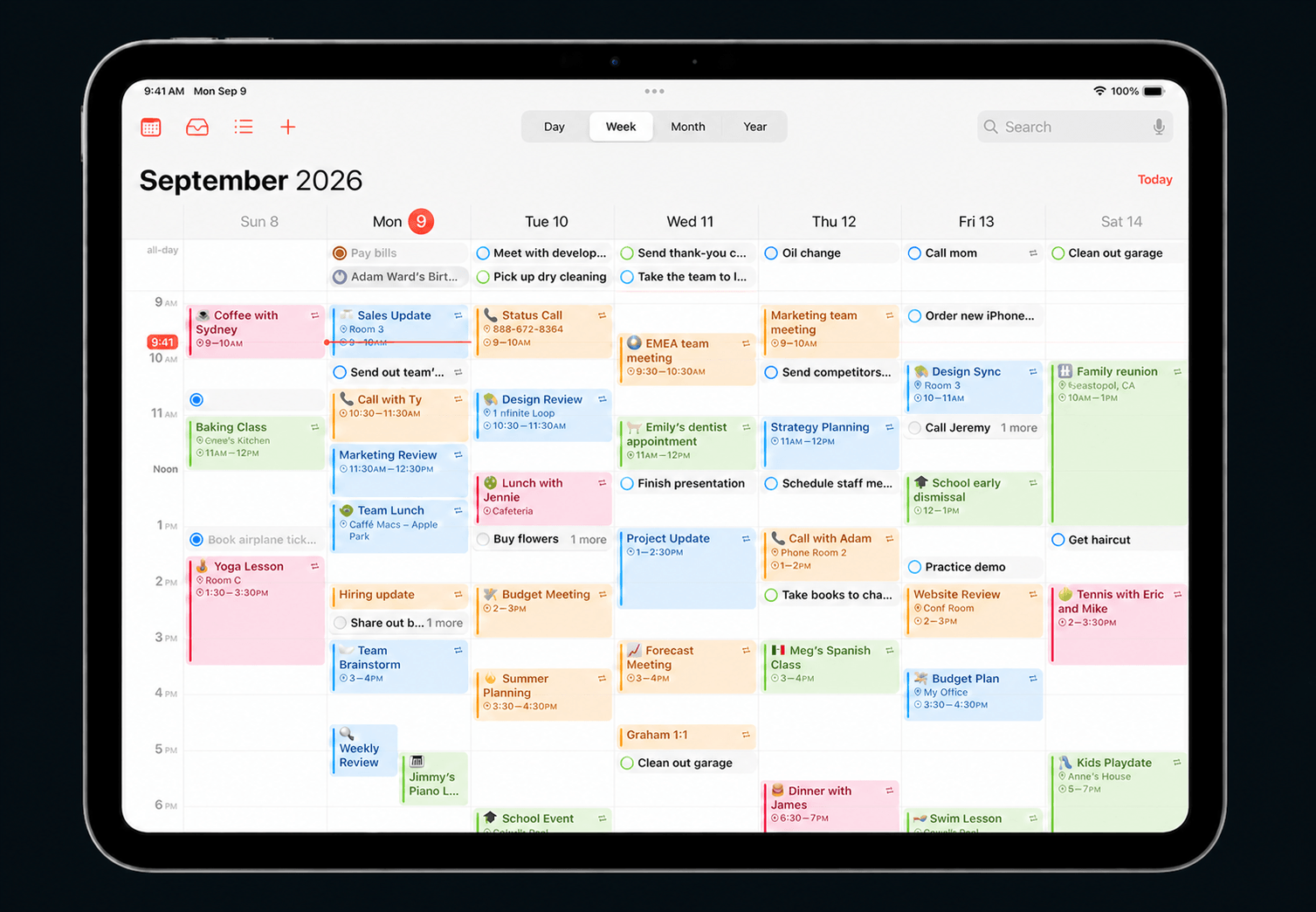
Choose one or more calendars already connected to iPad, then see upcoming events in HomeDeck on iPad and Apple TV.
No HomeDeck account or advertising SDKs. Home data stays with Apple.
HomeDeck on iPad
Use iPad to arrange rooms and favorites, choose what stays visible, and fine-tune the dashboard. Your preferences sync through iCloud and appear on Apple TV.
HomeDeck on Apple TV
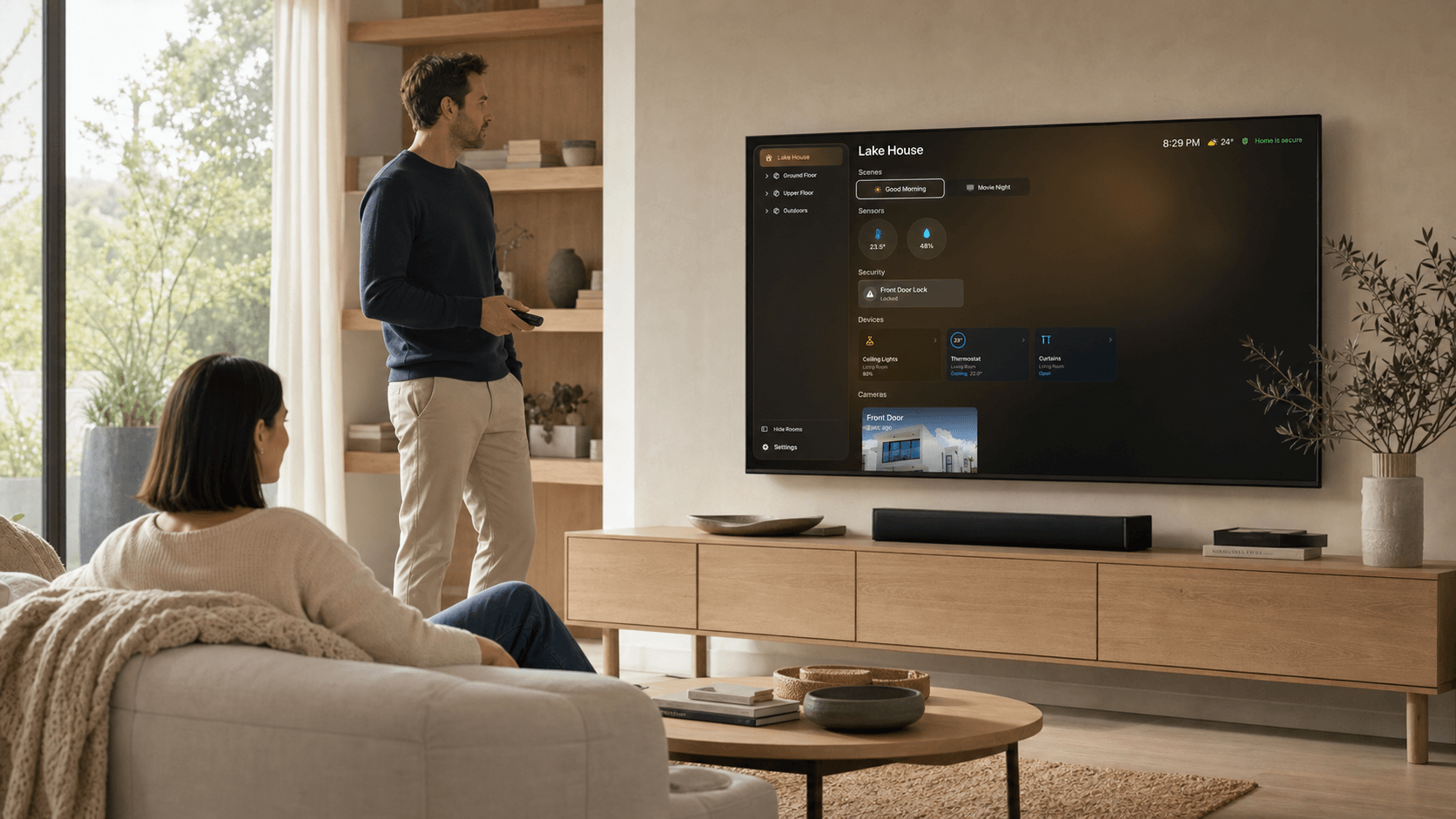
See the whole home from across the room, open scenes with the remote, or let Ambient mode keep the most useful information visible between interactions.