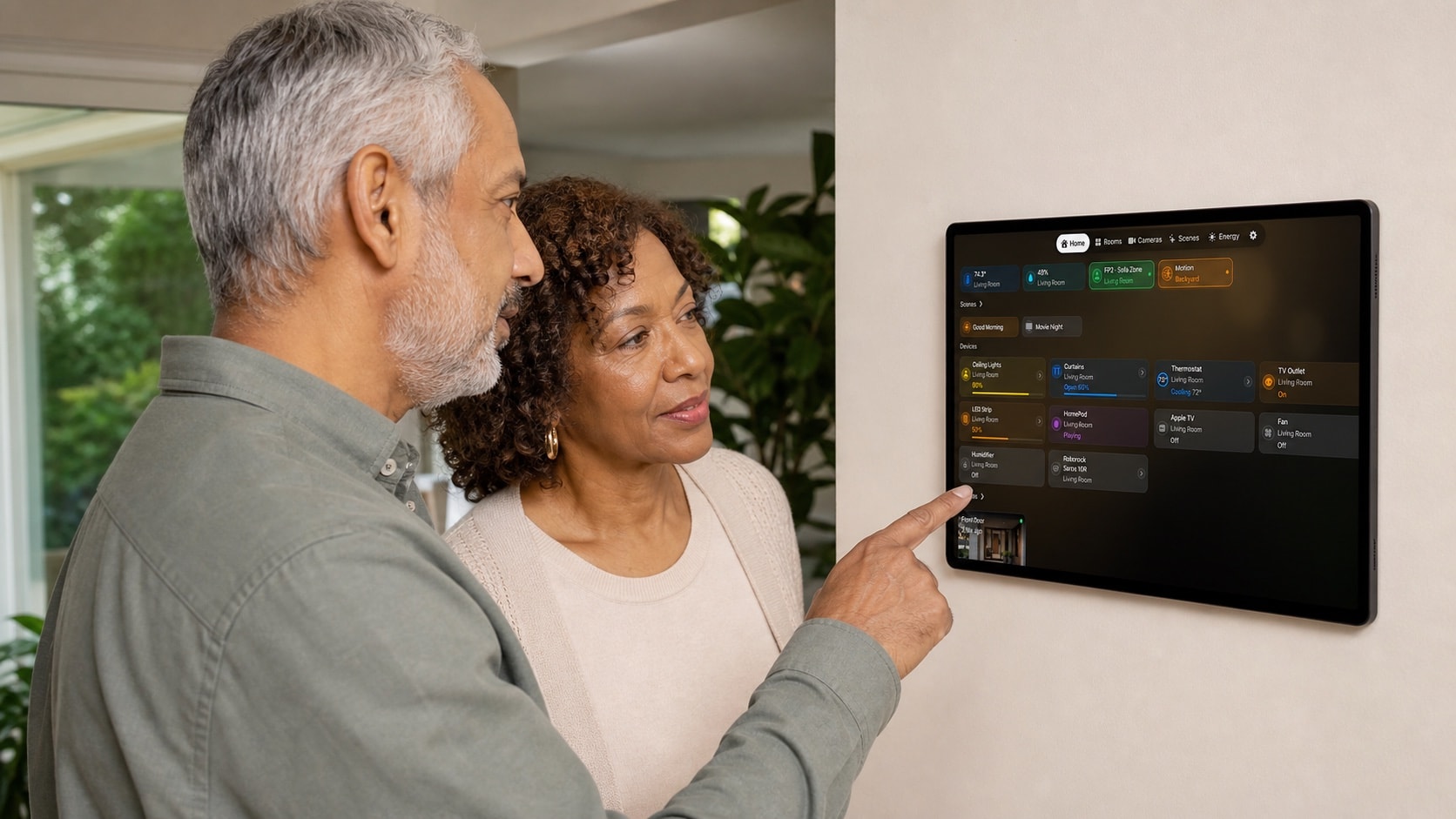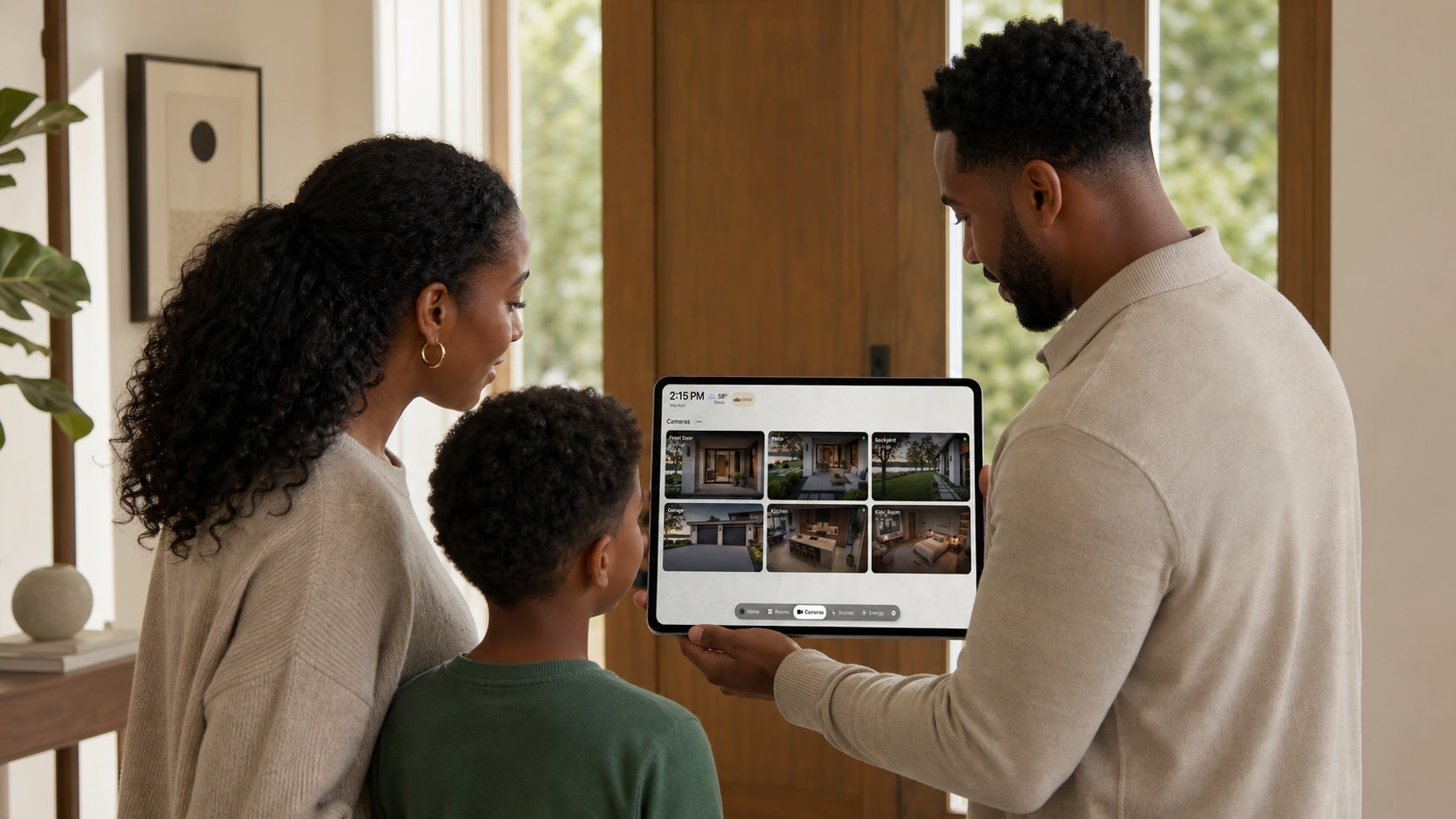
1. Define the audience before the content
List who can physically see the screen: household members, children, visitors, neighbours through a window, or people in a shared corridor. The room determines the safe default.
Test the viewing angle before wall mounting. A display that feels private at the counter may be visible from the entrance.
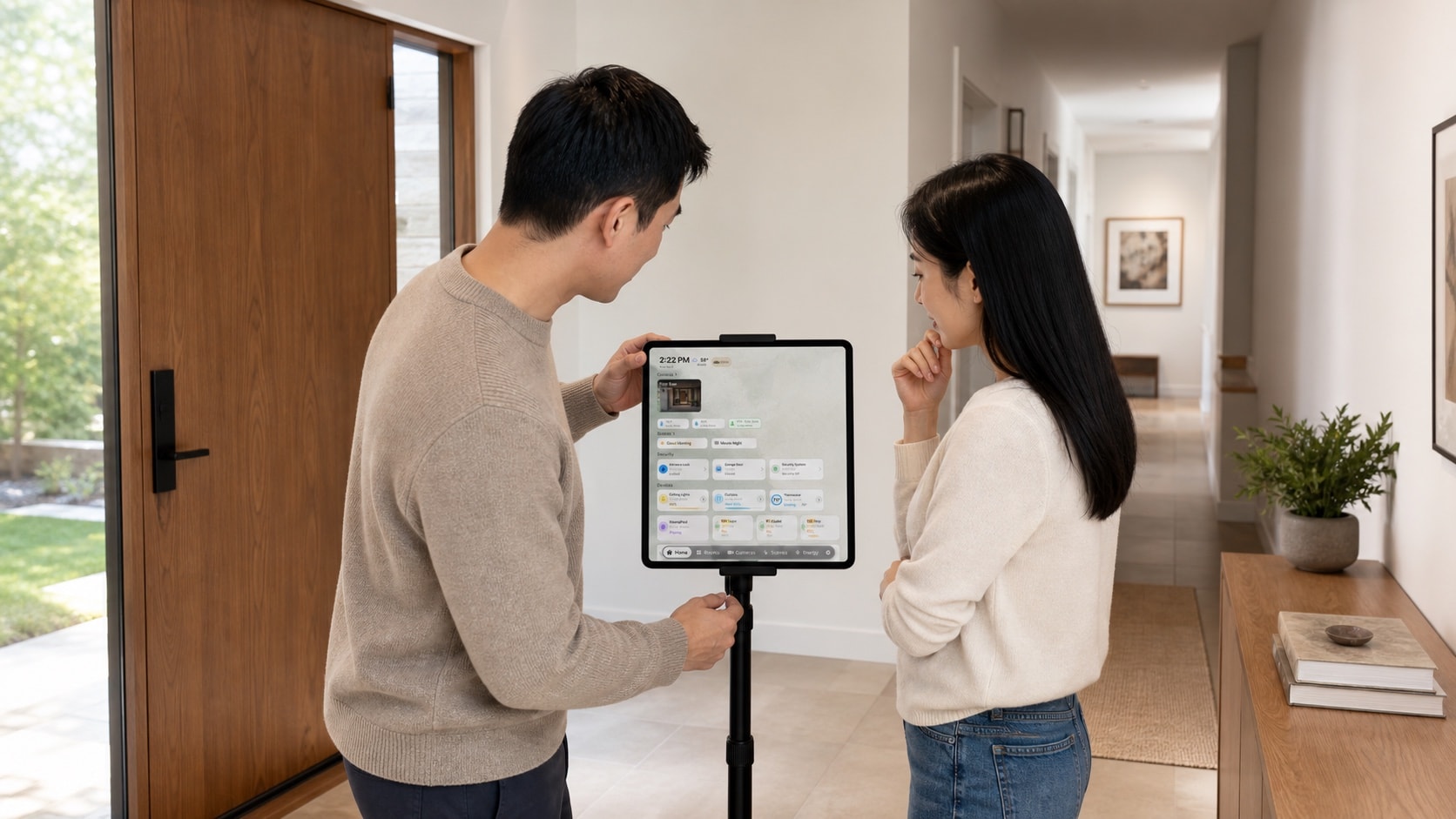
2. Treat cameras and security as sensitive
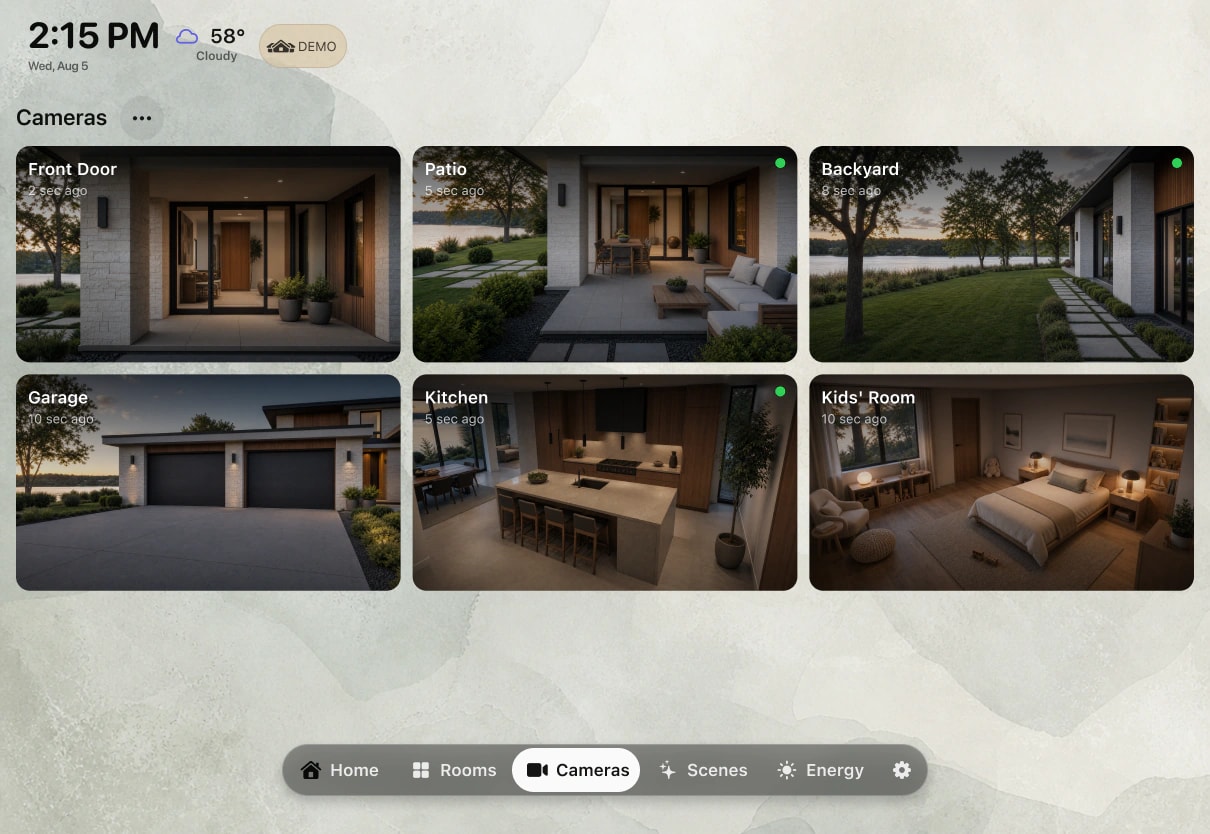
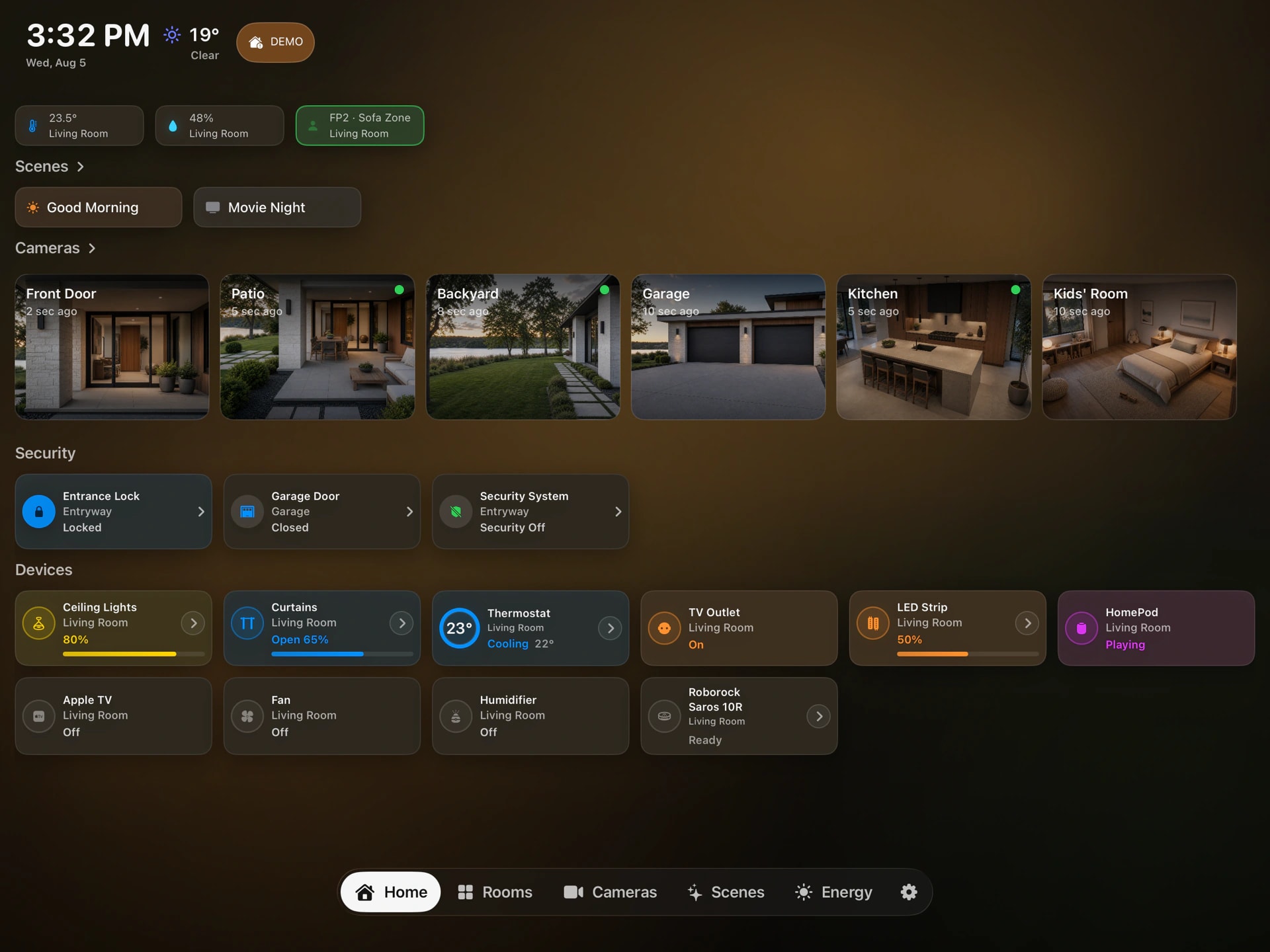
Show only cameras appropriate for a shared room. Indoor feeds, door access, occupancy, and security states can expose routines even when no personal name appears.
Keep destructive or security-critical actions behind a deliberate path. Apple TV should remain a glanceable view, not a shortcut around more carefully controlled access.
3. Reduce calendar detail, not usefulness
A shared display often needs the time and category of an event, but not a medical appointment title, address, or meeting notes. Use a dedicated family calendar for household commitments and keep personal calendars unselected.
Review notifications too: a private preview can undo an otherwise careful dashboard configuration.

4. Use individual accounts and explicit permissions
Each adult should keep their own Apple Account. Share an iCloud calendar with view or edit access as needed, and use Apple Home roles and remote-access settings rather than sharing one person’s credentials.
Check permissions after adding a household member, replacing a device, or moving the display to another room.
5. Recheck the real screen regularly
Look at the dashboard as a guest would. Confirm that names, camera previews, upcoming events, location, and security summaries still match the room’s audience.
Repeat the review when family routines change. Privacy is not a one-time setup screen; it is part of maintaining a shared display.