
Scenario guide · iPad · Apple TV
Weather before leaving home
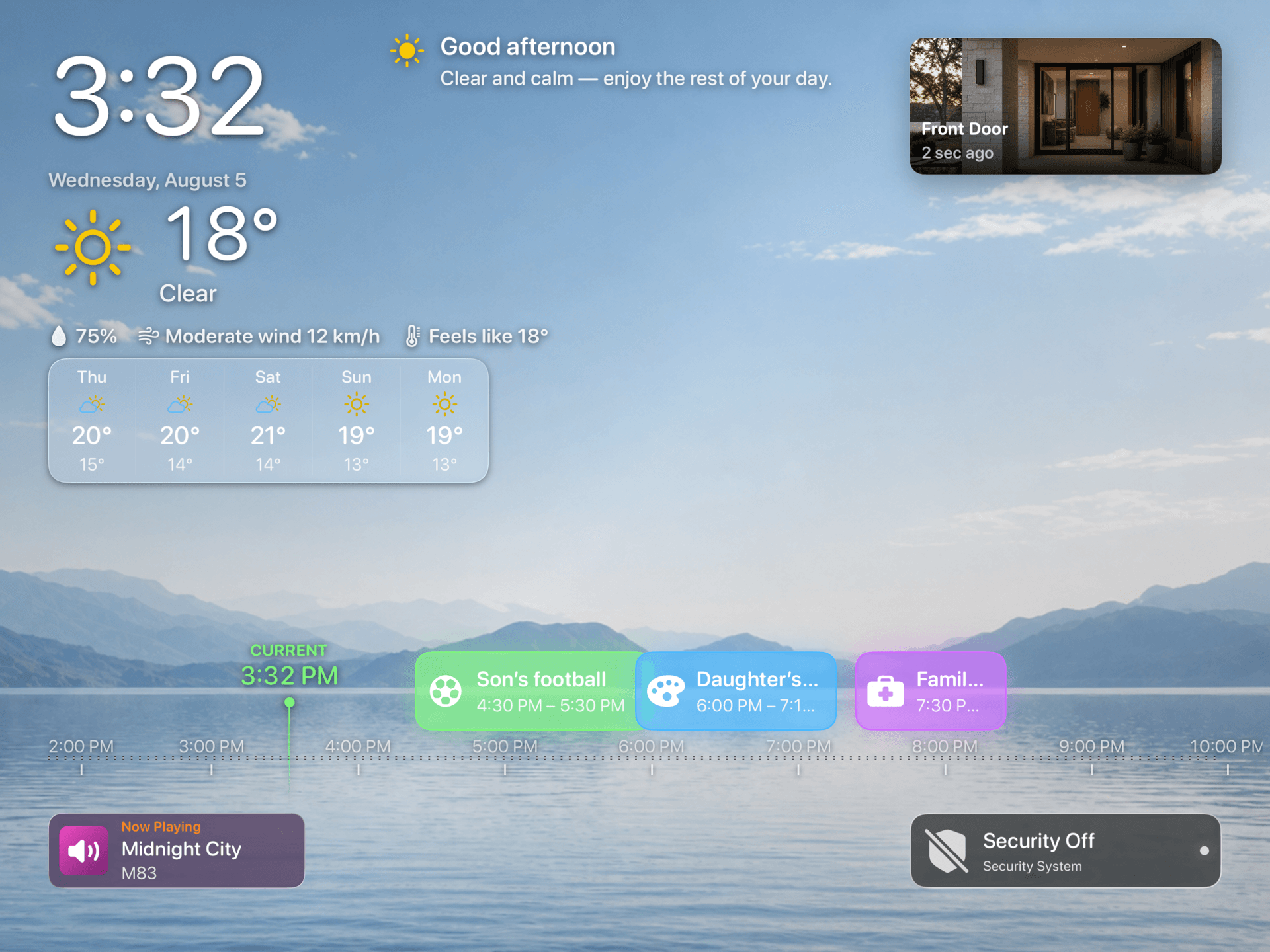
Choose today’s hourly forecast or a five-day outlook and keep available weather alerts alongside the home dashboard.
What this scenario solves
Choose today’s hourly forecast or a five-day outlook and keep available weather alerts alongside the home dashboard.
What you need
- A compatible iPad or Apple TV with HomeDeck installed
What to do
Follow the steps on the iPad or Apple TV that will run this scenario.
- Allow location access, choose the preferred units, enable weather in the layout, and review forecast and alert visibility.
- Compare the displayed conditions with the chosen location, then confirm units, forecast, and any available alert details.
- Open the result on the listed device, test every visible control, and make sure people using the shared screen can see only what you intended.