
Scenario guide · iPad · Apple TV
Warm and cool white lighting
Switch compatible tunable-white lights to convenient warm or cool white presets without adjusting the color temperature manually.
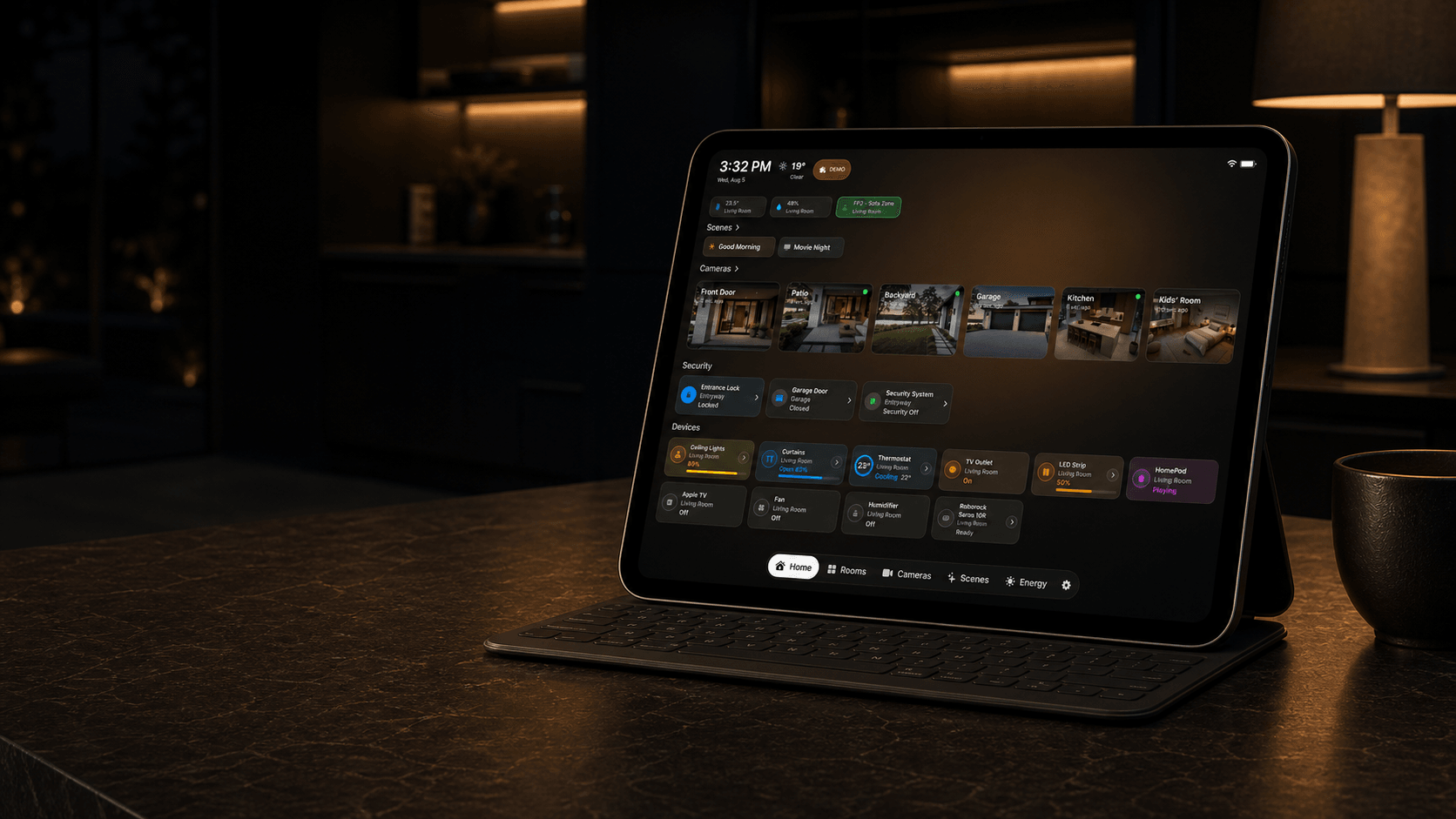
What this scenario solves
Switch compatible tunable-white lights to convenient warm or cool white presets without adjusting the color temperature manually.
What you need
- A compatible iPad or Apple TV with HomeDeck installed
- An Apple Home already configured with compatible accessories
What to do
Follow the steps on the iPad or Apple TV that will run this scenario.
- Confirm the accessories and scenes work in Apple Home, refresh HomeDeck, select the relevant rooms or favorites, and test every command.
- Pin the rooms or favorites needed for this scenario and confirm that each available command updates the real accessory.
- Open the result on the listed device, test every visible control, and make sure people using the shared screen can see only what you intended.