
Scenario guide · iPad · Apple TV
Music at a glance
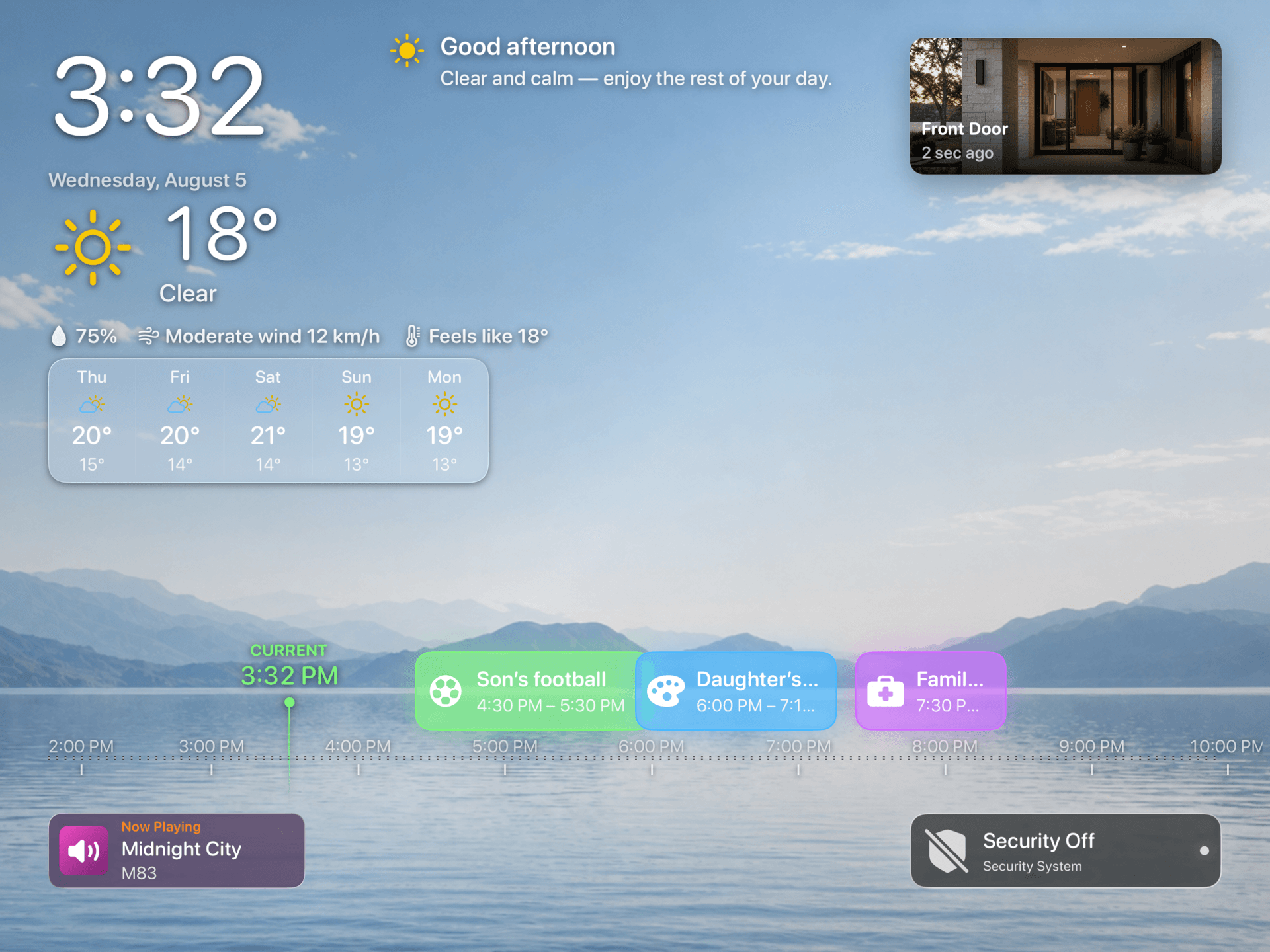
Keep Apple Music playback and now-playing information visible on the dashboard and in Ambient mode.
What this scenario solves
Keep Apple Music playback and now-playing information visible on the dashboard and in Ambient mode.
What you need
- A compatible iPad or Apple TV with HomeDeck installed
- Apple Music access on the device
What to do
Follow the steps on the iPad or Apple TV that will run this scenario.
- Grant Apple Music access, start playback, enable music information in the dashboard or Ambient, and confirm the current track updates.
- Change tracks and playback state from the device you will use and confirm that artwork, title, and status refresh.
- Open the result on the listed device, test every visible control, and make sure people using the shared screen can see only what you intended.