
Scenario guide · iPad · Apple TV
Calendars from several providers
Combine upcoming events from calendars already connected to iPad, including iCloud, Google, Exchange, Yahoo, CalDAV, and subscriptions.
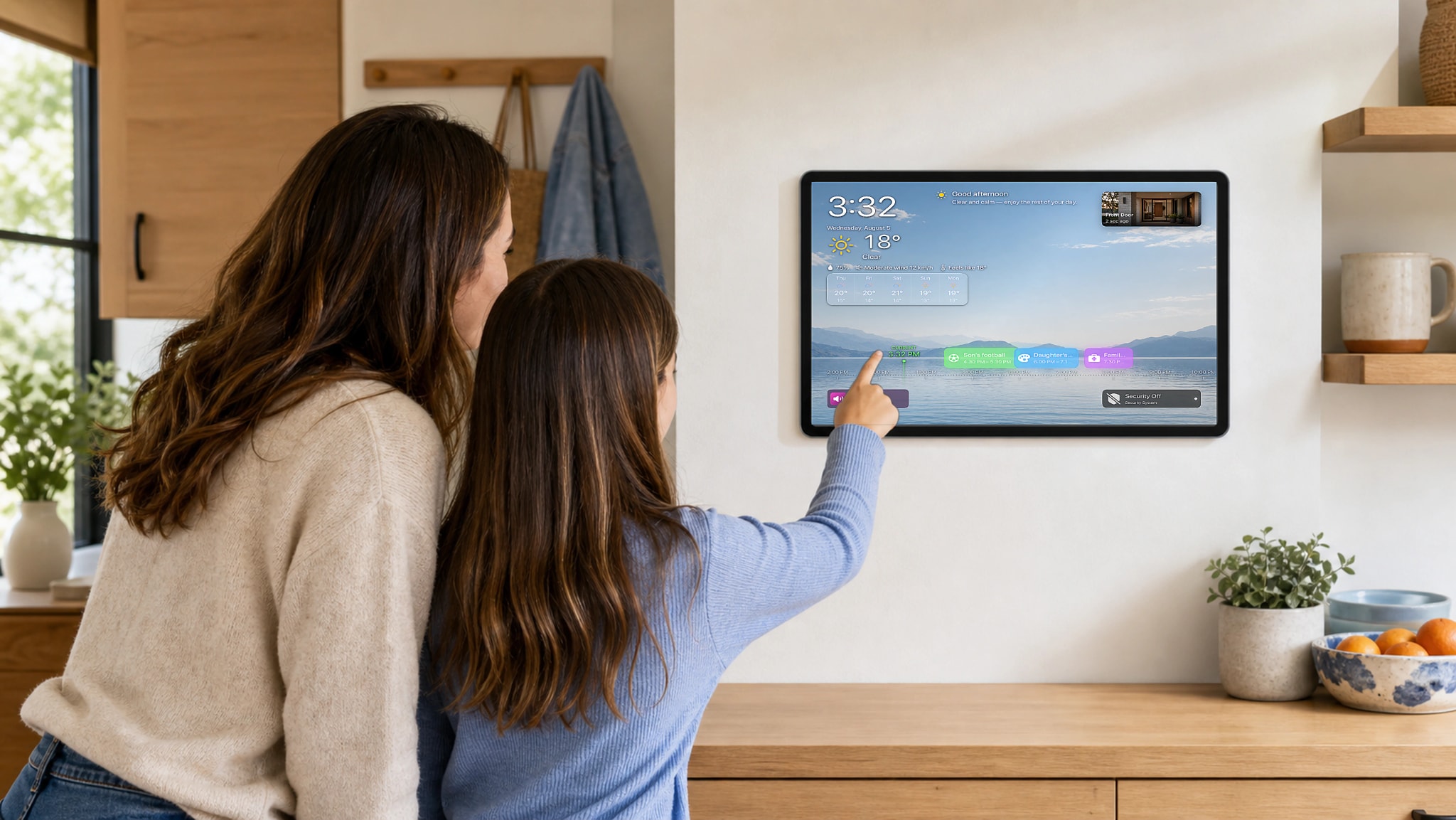
What this scenario solves
Combine upcoming events from calendars already connected to iPad, including iCloud, Google, Exchange, Yahoo, CalDAV, and subscriptions.
What you need
- A compatible iPad running iPadOS 18 or later
- One or more calendars connected to the system Calendar app on iPad
- Optional: Apple TV with HomeDeck for viewing on the television
- For Apple TV: the owner’s personal iCloud account on both devices
What to do
Connect and select calendars on iPad. If you also use Apple TV, verify the transfer through your personal iCloud.
- Connect calendar accounts in iPad Settings, grant HomeDeck Calendar access, then select one or more calendars for Ambient.
- Create a test event in each selected calendar and confirm that the next events appear in the intended order on iPad and, if used, Apple TV.
- Open the result on the listed device, test every visible control, and make sure people using the shared screen can see only what you intended.