
Scenario guide · iPad
Wall-panel security
Arm Home, Away, or Night mode with biometrics or a security PIN, use an exit delay, and keep the active security state visible full screen.
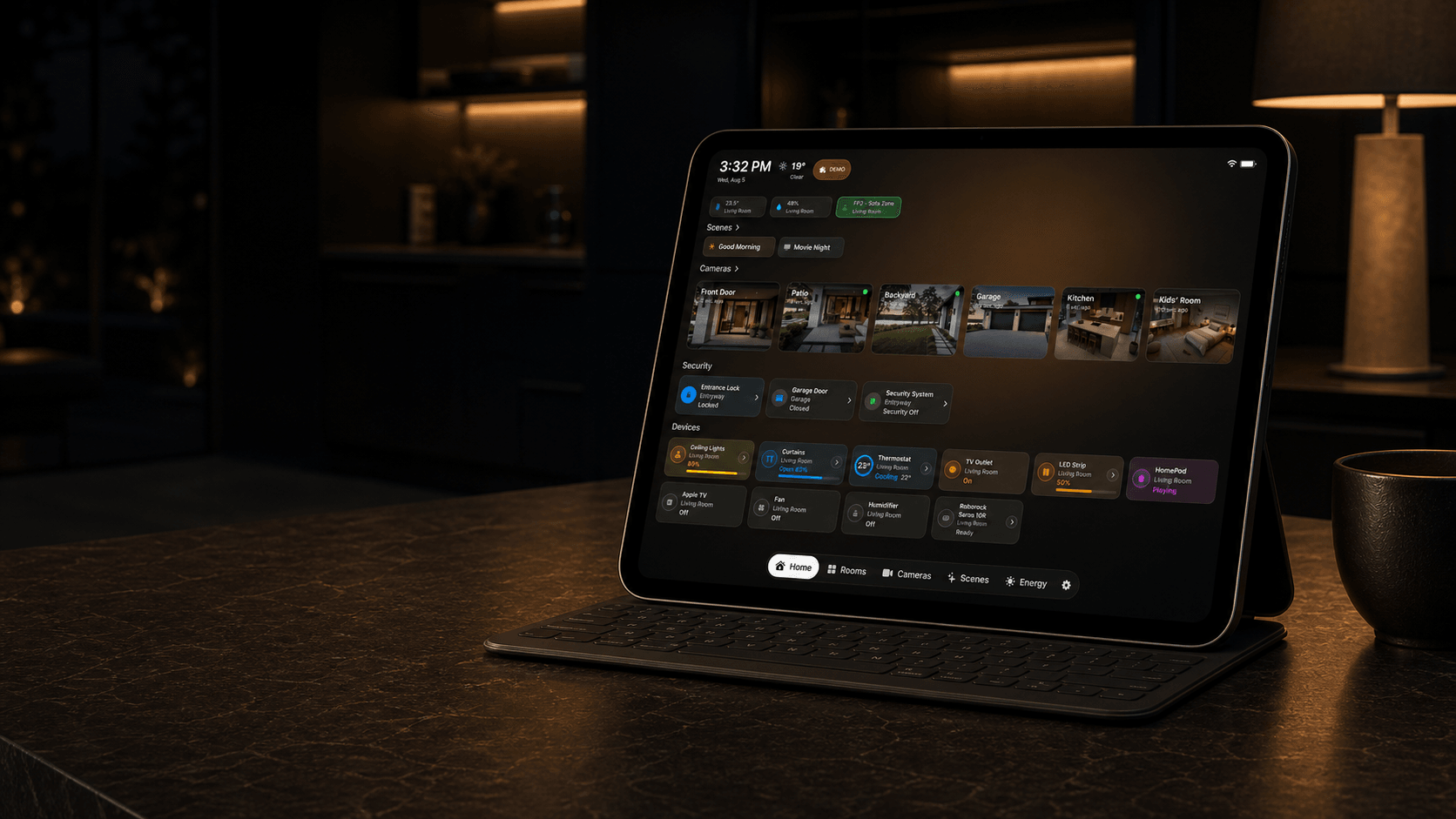
What this scenario solves
Arm Home, Away, or Night mode with biometrics or a security PIN, use an exit delay, and keep the active security state visible full screen.
What you need
- A compatible iPad running iPadOS 18 or later
- An Apple Home already configured with compatible accessories
- Compatible locks, doors, garage doors, or security-system accessories
- An administrator or security PIN created by the owner
What to do
Complete the setup on iPad, then test it in the position where the screen will be used.
- Create the required PIN, select compatible security and access devices, confirm their current states, and test protected commands with the owner present.
- Lock the protected controls, reopen the screen as a non-owner, and confirm that the PIN is required before any security command.
- Open the result on the listed device, test every visible control, and make sure people using the shared screen can see only what you intended.