
Scenario guide · iPad · Apple TV
Fast access to favorites
Keep the devices and scenes used every day at the front of the dashboard.
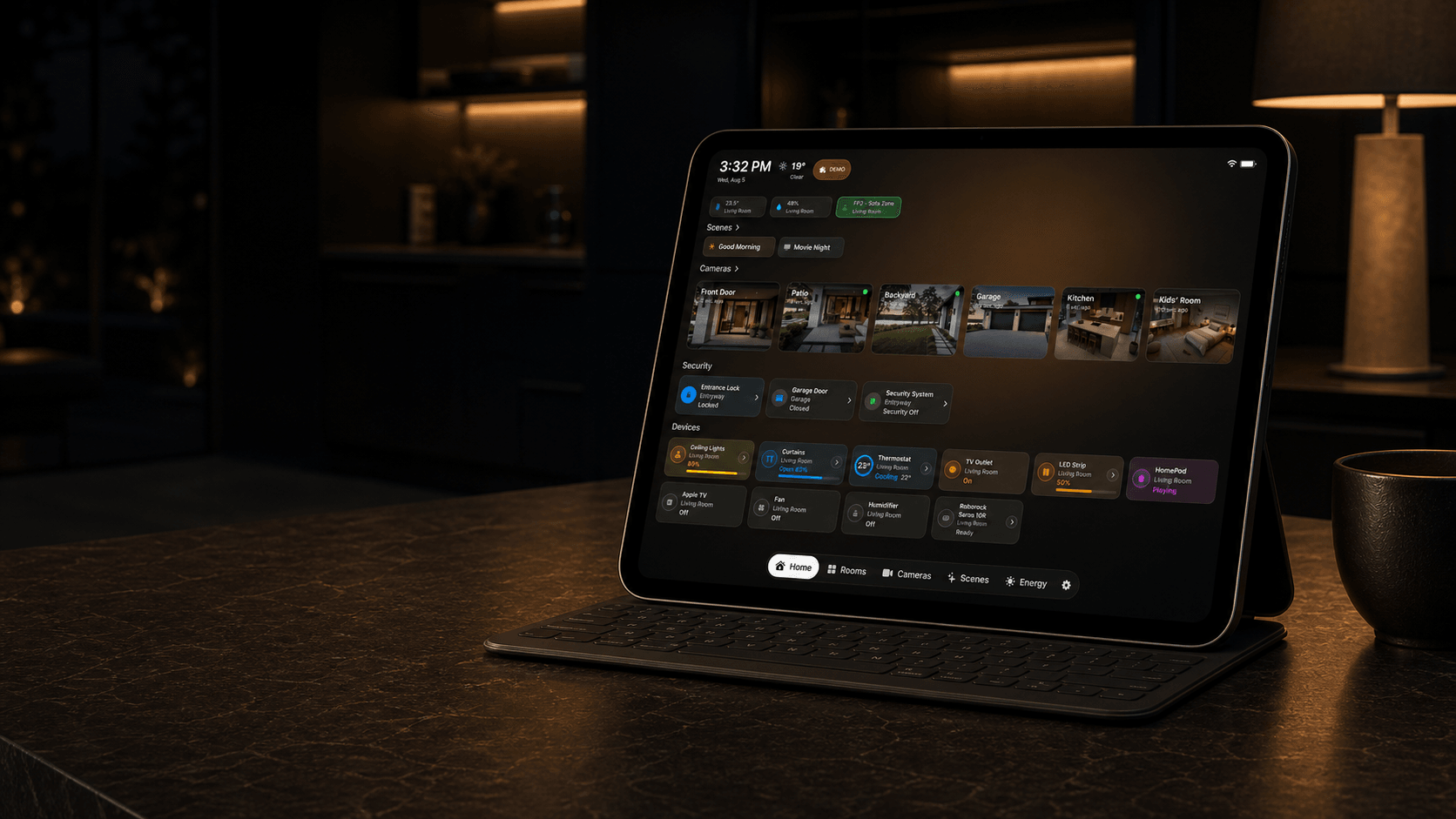
What this scenario solves
Keep the devices and scenes used every day at the front of the dashboard.
What you need
- A compatible iPad or Apple TV with HomeDeck installed
- An Apple Home already configured with compatible accessories
What to do
Follow the steps on the iPad or Apple TV that will run this scenario.
- Select the rooms, favorites, scenes, cameras, sensors, and information that belong on this shared dashboard, then arrange them by daily priority.
- Review the layout at normal viewing distance and remove anything private or unnecessary from the shared dashboard.
- Open the result on the listed device, test every visible control, and make sure people using the shared screen can see only what you intended.