
Scenario guide · iPad · Apple TV
Always-on Ambient display
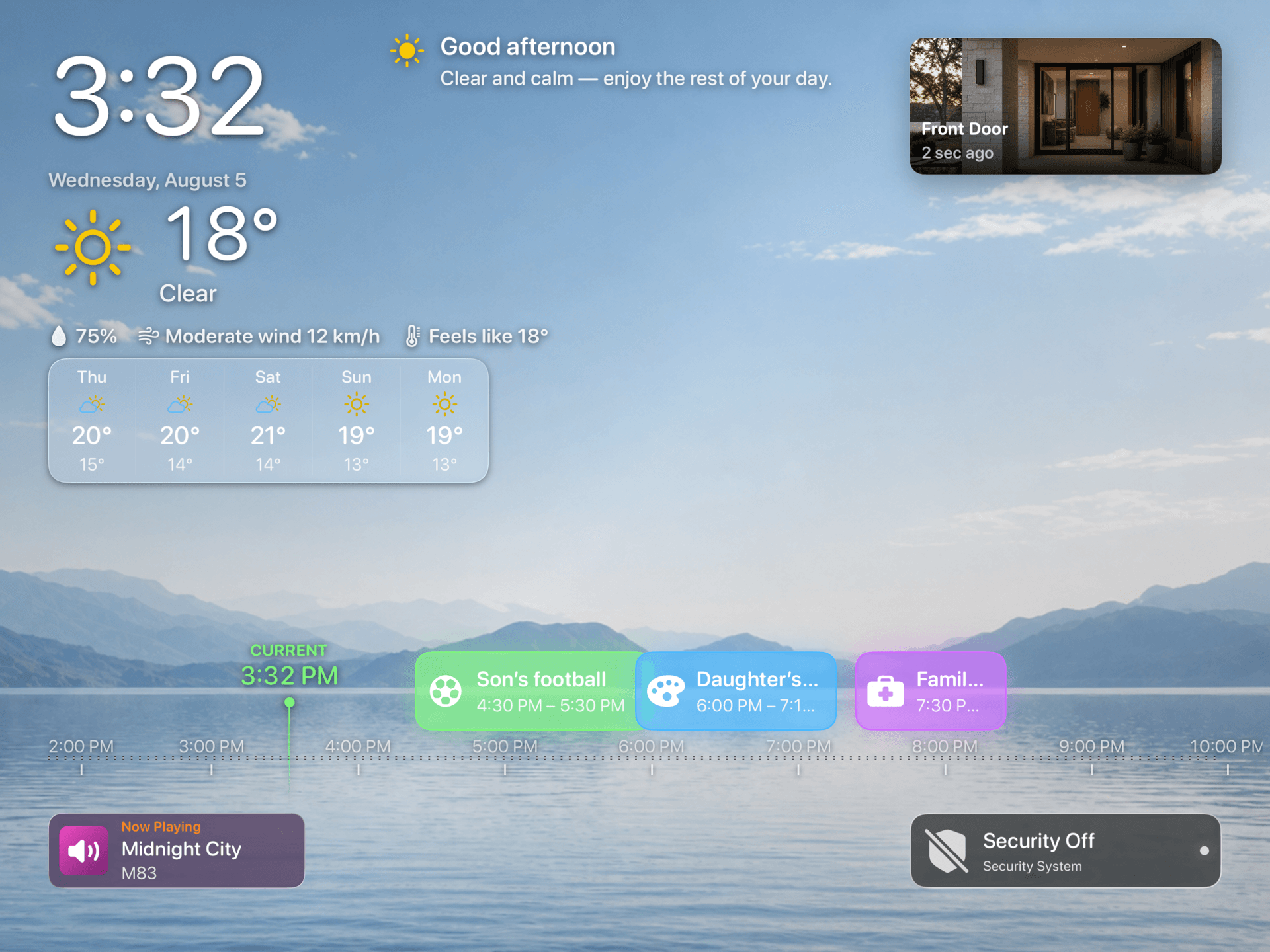
Use the new layouts to keep time, weather, selected events, sensors, cameras, and music visible between interactions.
What this scenario solves
Use the new layouts to keep time, weather, selected events, sensors, cameras, and music visible between interactions.
What you need
- A compatible iPad or Apple TV with HomeDeck installed
What to do
Follow the steps on the iPad or Apple TV that will run this scenario.
- Open Ambient settings, choose the modules that should remain visible, start Ambient, and check legibility at the intended distance.
- Leave Ambient running for several minutes and adjust the module order, brightness, and distance readability.
- Open the result on the listed device, test every visible control, and make sure people using the shared screen can see only what you intended.